Google Ads Maximize vs Target Bidding: The Budget-Draining Mistake Most Advertisers Miss
TL;DR
Google Ads bid strategies split into two families with opposite priorities. “Maximize” strategies spend your budget first and then chase the result. “Target” strategies chase your target metric first and only spend if they can hit it consistently. Picking the wrong family can drain thousands of dollars with zero results. Here’s exactly how to tell them apart and when to use each one.
In This Post You’ll Learn
- The hidden “order of operations” that separates Maximize from Target strategies
- What happens to your budget when you pick the wrong bid strategy
- A side-by-side breakdown of every Maximize and Target strategy pair
- A 4-step decision framework for choosing the right strategy today
- How to graduate from Maximize to Target and scale without wasting budget
The $10,000 Mistake Hiding Inside Your Google Ads Bid Strategy
Most Google Ads advertisers treat bidding strategy selection like a dropdown menu. Pick one, move on, hope for the best.
That casual approach costs real money.
The difference between Maximize and Target bid strategies is the single most misunderstood concept in Google Ads. And getting it wrong can burn through your entire monthly budget in days with nothing to show for it.
Here’s why: these two strategy families look similar on the surface. Maximize Conversions and Target CPA both optimize for conversions. Maximize Clicks and Target CPC both optimize for clicks.
But they operate in completely opposite order.
One family prioritizes spending your budget. The other prioritizes hitting your target. That distinction changes EVERYTHING about how Google allocates your money.
Top paid ads practitioners have been teaching this concept for years, but most guides online still lump all automated bidding strategies into one bucket. They list pros and cons. They give vague “it depends” advice.
This post gives you the actual mental model. The one that makes the choice obvious.
The BUDGET-FIRST vs TARGET-FIRST Mental Model
This is the core concept that changes how you think about Google Ads bidding forever.
Every automated bid strategy in Google Ads falls into one of two families. Each family has a different first priority, and that first priority determines how your money gets spent.
How Maximize Strategies Work (Budget-First)
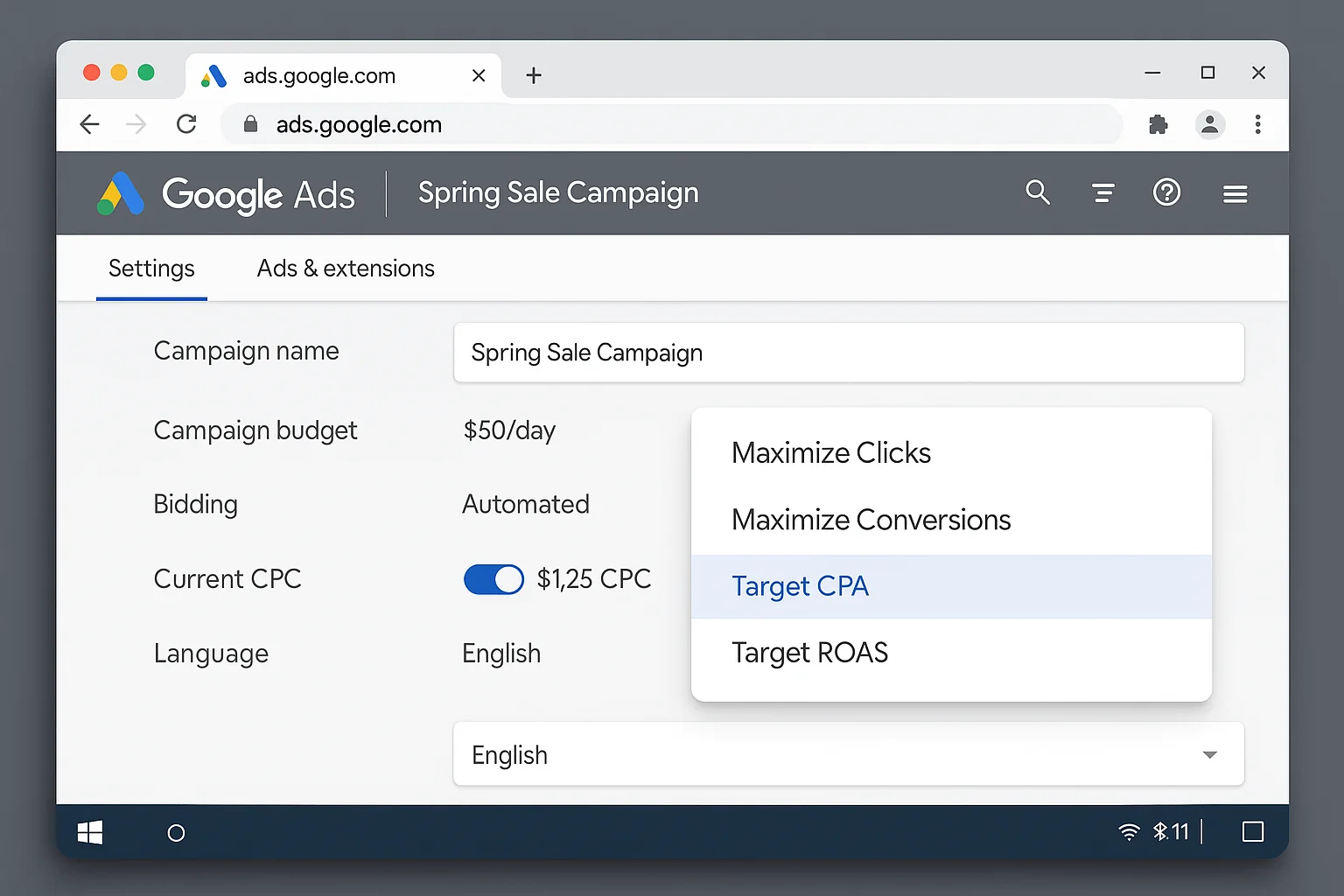
With any Maximize strategy, Google’s first job is to spend your budget. Its second job is to get you the most of whatever you’re optimizing for.
Take Maximize Clicks as an example. The objective is to spend the budget and then get clicks. Google looks at your daily budget, commits to spending it, and then works to squeeze as many clicks as possible out of that spend.
Maximize Conversions works the same way. Google will spend your budget first, then try to get you the most conversions it can find within that spend.
The critical thing to understand: Google WILL spend your budget on a Maximize strategy. Even if performance is terrible. Even if your cost per conversion is 5x what you’d pay on a Target strategy.
Even if you get zero conversions, Maximize Conversions keeps spending. The algorithm keeps searching for that conversion it so desperately craves. Your budget keeps draining.
How Target Strategies Work (Target-First)
Target strategies flip the priority order entirely.
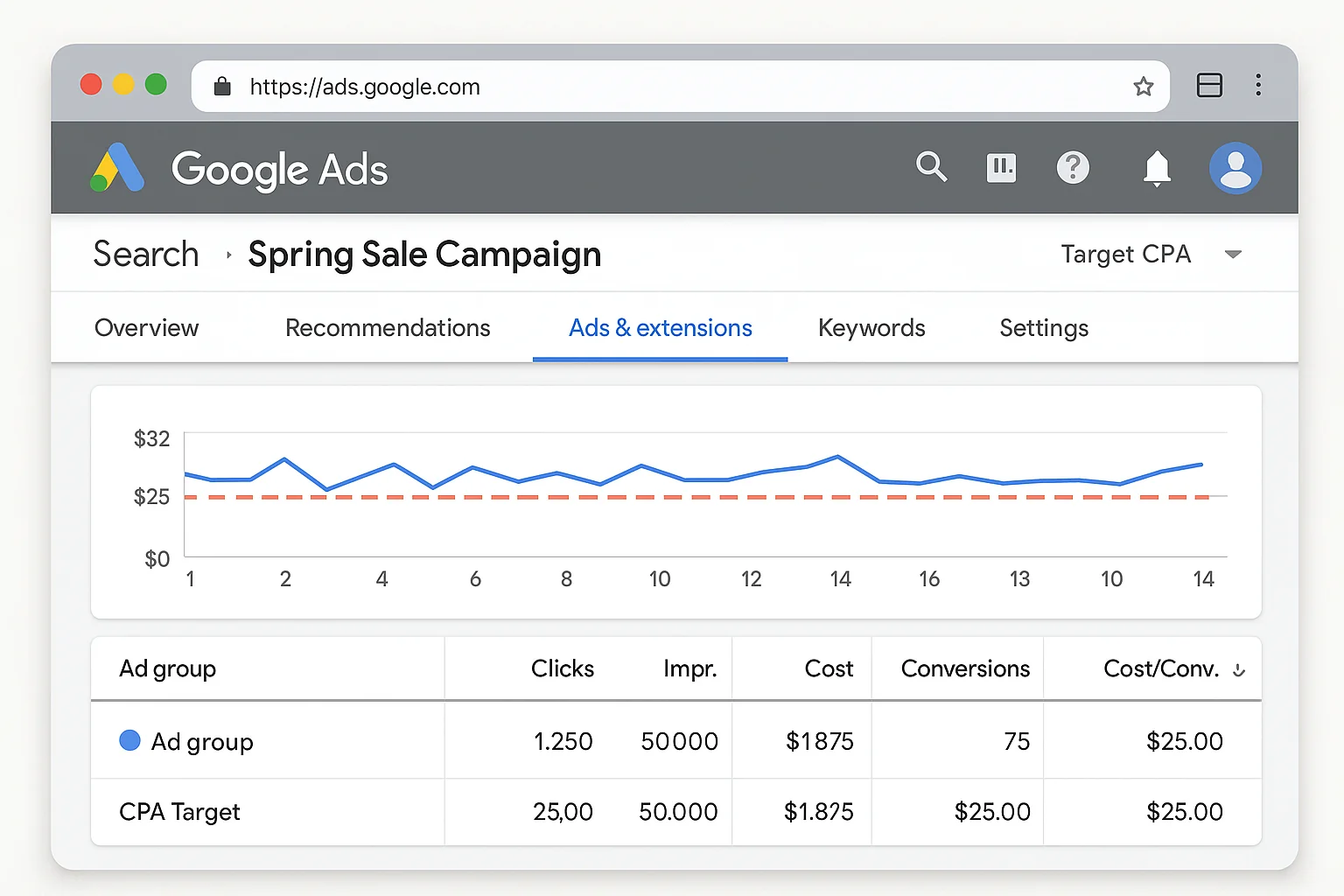
With a Target strategy, Google’s first job is to hit your target metric. Its second job is to spend your budget, but only if it can consistently hit the target while doing so.
Take Target CPC. The objective is to hit your target cost per click first. If Google can consistently deliver clicks at or below your target CPC, it will then spend your budget. If it cannot hit that target, it pulls back. It stops spending.
Target CPA works the same way. Google tries to deliver conversions at your target cost per acquisition. If it can do so consistently, great. Your budget gets spent and you get conversions at the price you wanted. If it cannot hit your target CPA, it slows down or stops spending entirely.
The budget protection is built in. A Target strategy would rather underspend than overspend on bad results.
The difference is stark.
Maximize aims to spend the budget first and achieve the thing. Target aims to hit the thing first and then, if it can, spend the budget.
That single reversal in priority order explains 80% of the confusion advertisers have about why their campaigns behave the way they do.
The Full Family Tree: Maximize vs Target Side by Side
Here’s every Maximize strategy paired with its Target counterpart, according to Google’s official bid strategy documentation:
| Maximize (Budget-First) | Target (Target-First) | What They Optimize For |
|---|---|---|
| Maximize Clicks | Target CPC | Clicks / traffic volume |
| Maximize Conversions | Target CPA | Conversion volume / cost per conversion |
| Maximize Conversion Value | Target ROAS | Revenue / return on ad spend |
Every pair optimizes for the same outcome. The difference is which priority comes first: your budget or your target.
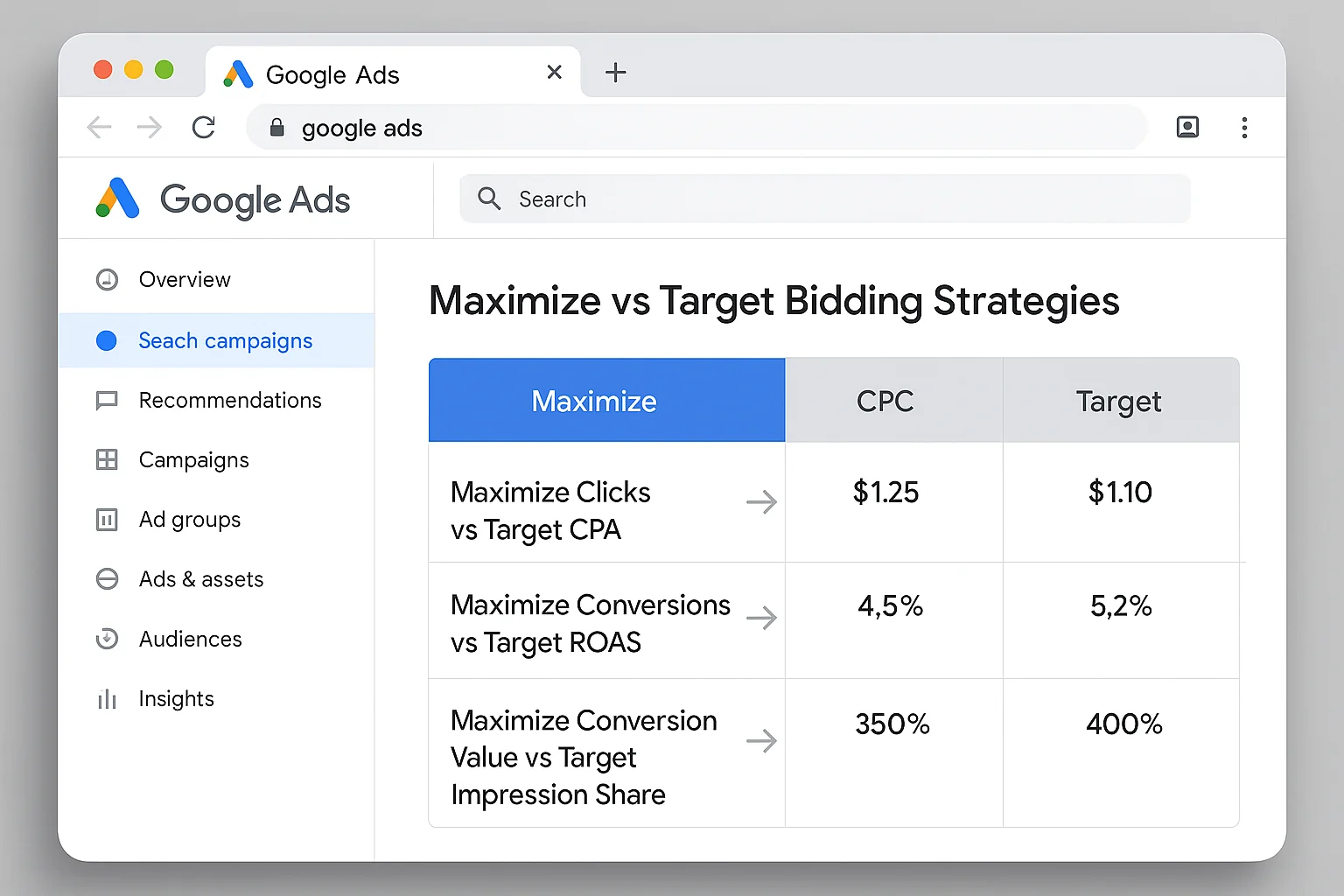
The takeaway: Maximize and Target are two sides of the same coin for each metric. The only difference is whether Google prioritizes spending your budget or hitting your number. That “only” difference is worth thousands of dollars.
What Happens When You Pick The Wrong One
Let’s walk through two real scenarios so this clicks.
Scenario 1: New Campaign, No Data, Target CPA Set at $20
You launch a brand new Search campaign. No conversion history. You set it to Target CPA at $20 because that’s what you can afford to pay per lead.
Google looks at your campaign. Zero conversion data. No historical signal to predict which clicks will convert at $20.
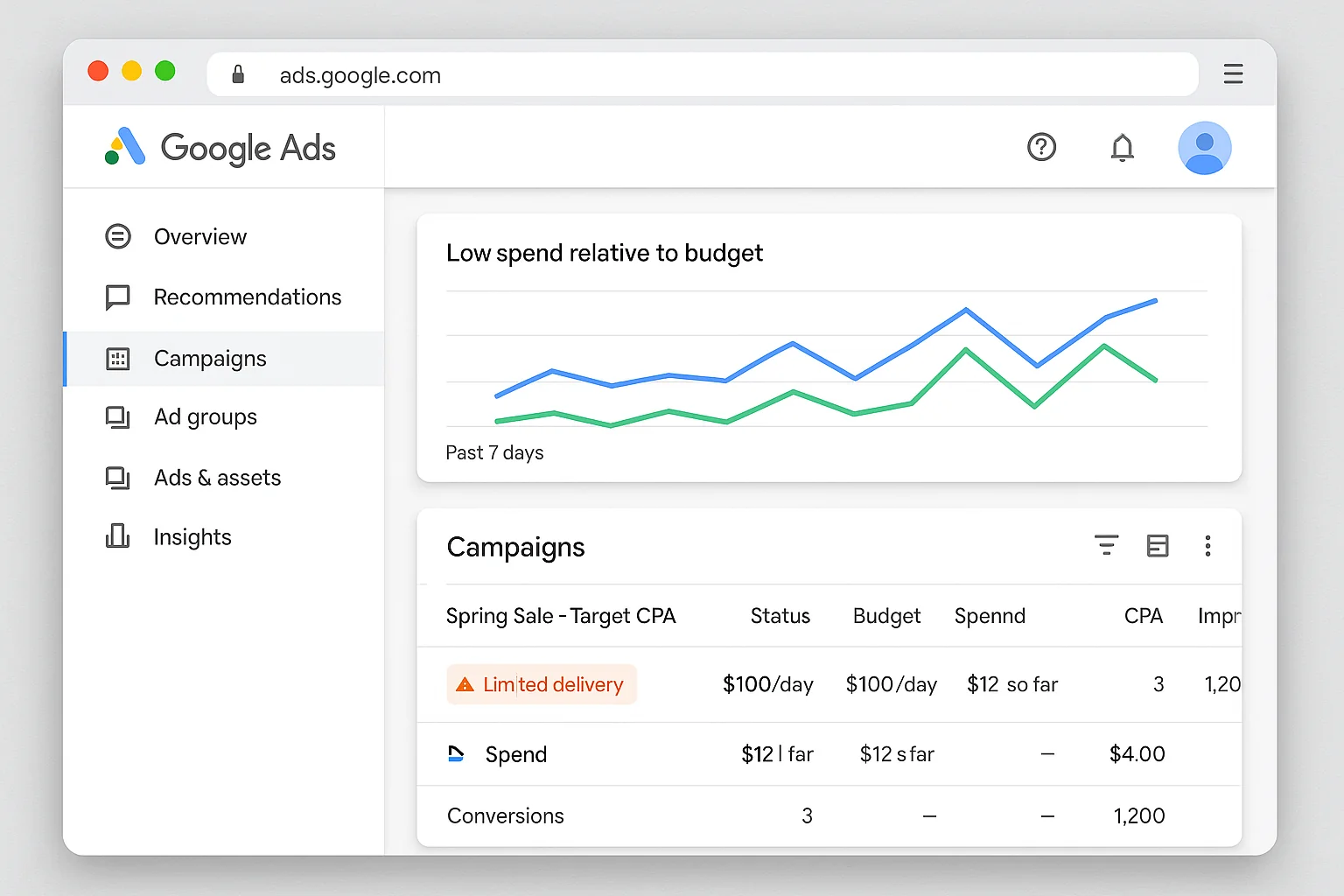
So Google does what Target strategies do when they cannot hit the target: it barely spends. Your daily budget of $100 sits there. Maybe $8 gets used. Maybe $3.
You check your dashboard every morning and see almost no impressions, almost no clicks, and zero conversions.
The campaign looks “broken.” But the algorithm is working EXACTLY as designed. It will not spend your money unless it believes it can hit $20 CPA. With no data, it has no confidence. So it sits on its hands.
Scenario 2: New Campaign, No Data, Maximize Conversions
Same setup. Brand new Search campaign. No conversion history. But this time you pick Maximize Conversions.
Google’s first priority: spend the budget.
Your $100 daily budget starts draining immediately. Google pushes your ads into every auction it can find. Clicks roll in. Some are cheap. Some are expensive. The algorithm is exploring, spending freely, learning as it goes.
By end of day one, your $100 is gone. You got 47 clicks. Zero conversions. Cost per conversion: infinity.
Day two, same thing. $100 gone. 52 clicks. One conversion at $100 CPA.
The campaign is “working” in the sense that it is spending and learning. But your first week cost $700 and produced maybe 3 conversions at $233 each.
That is the Maximize trade-off. Volume and learning speed come at the cost of efficiency.
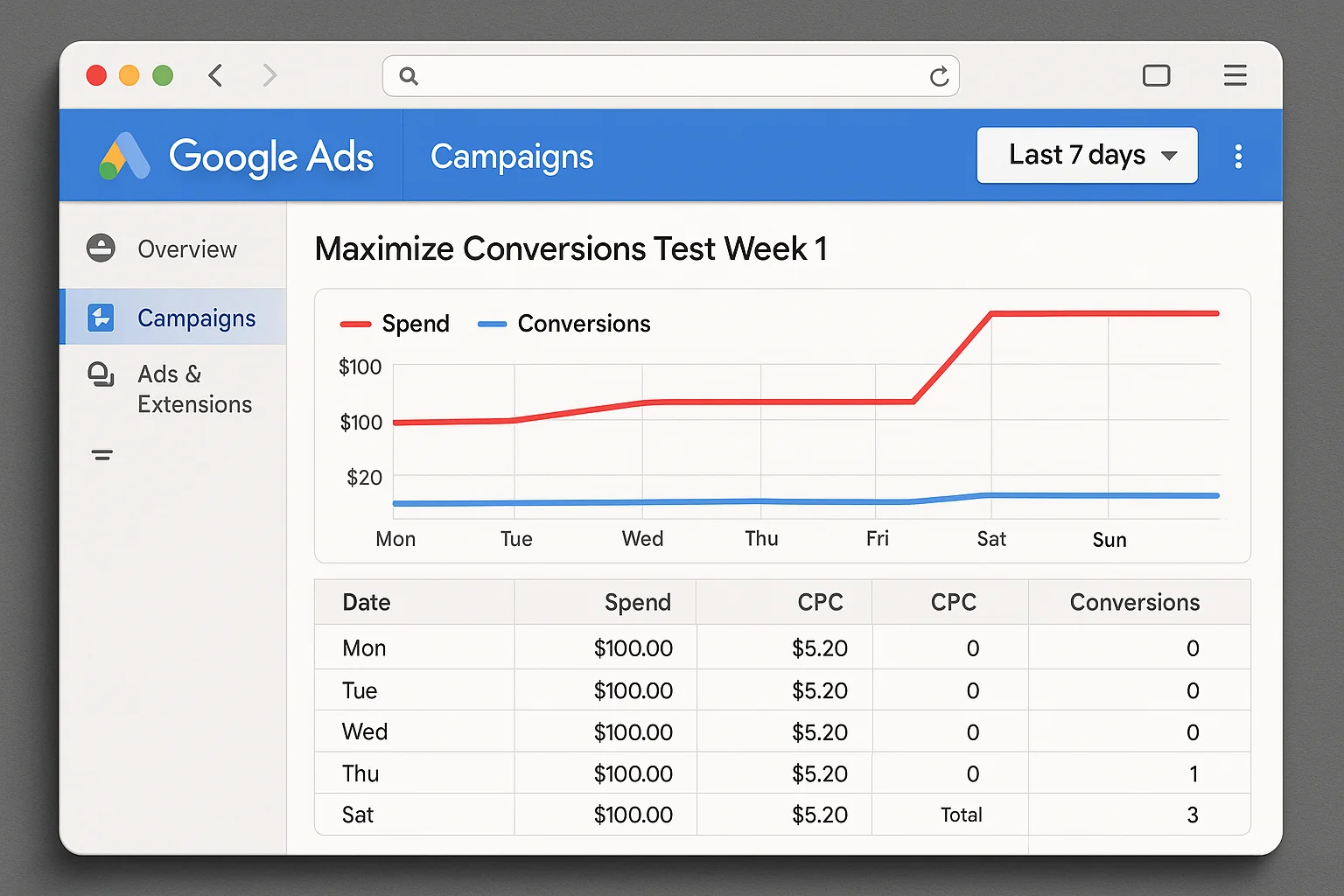
The takeaway: Choosing Maximize when you need cost control leads to budget drain. Choosing Target when you have no data leads to a campaign that barely runs. The right choice depends on where you are in the campaign lifecycle.
The 4-Step Decision Framework for Choosing Your Bid Strategy
Stop guessing. Use this framework.
Step 1: Check Your Conversion Data
Open your Google Ads account. Look at the past 30 days of conversion data for the campaign (or similar campaigns in the account).
If you have fewer than 30 conversions in the past 30 days: You do not have enough data for a Target strategy to work. Use a Maximize strategy.
If you have 30 or more conversions in the past 30 days: You have enough signal. A Target strategy can find patterns and bid intelligently.
As Google’s Smart Bidding best practices recommend, conversion volume is the foundation that automated bidding builds on. More conversions mean better predictions.
Step 2: Define Your Priority
Ask yourself one question: Do I need volume or do I need efficiency?
- Volume (leads, sales, traffic): Maximize. You want Google spending and learning.
- Efficiency (cost control, profitability): Target. You want Google hitting a number.
There is no wrong answer here. But there is a wrong answer for your specific situation.
Step 3: Set the Right Strategy
Based on Steps 1 and 2, here is your play:
- Low data + need volume: Maximize Conversions (or Maximize Clicks for top-of-funnel)
- Low data + need efficiency: Manual CPC or Maximize Clicks with a max CPC bid limit while you gather data
- High data + need volume: Maximize Conversions (Google has the signal to spend smart)
- High data + need efficiency: Target CPA or Target ROAS
Step 4: Set a Review Date
Put a 14-day check on your calendar. Look at two numbers:
- Cost per conversion (or ROAS, depending on your goal)
- Budget utilization (what percentage of your daily budget actually gets spent)
If cost per conversion is too high on Maximize, you have enough data to graduate to Target. If budget utilization is too low on Target, your target is too aggressive. Raise it 10-20% and give it another two weeks.
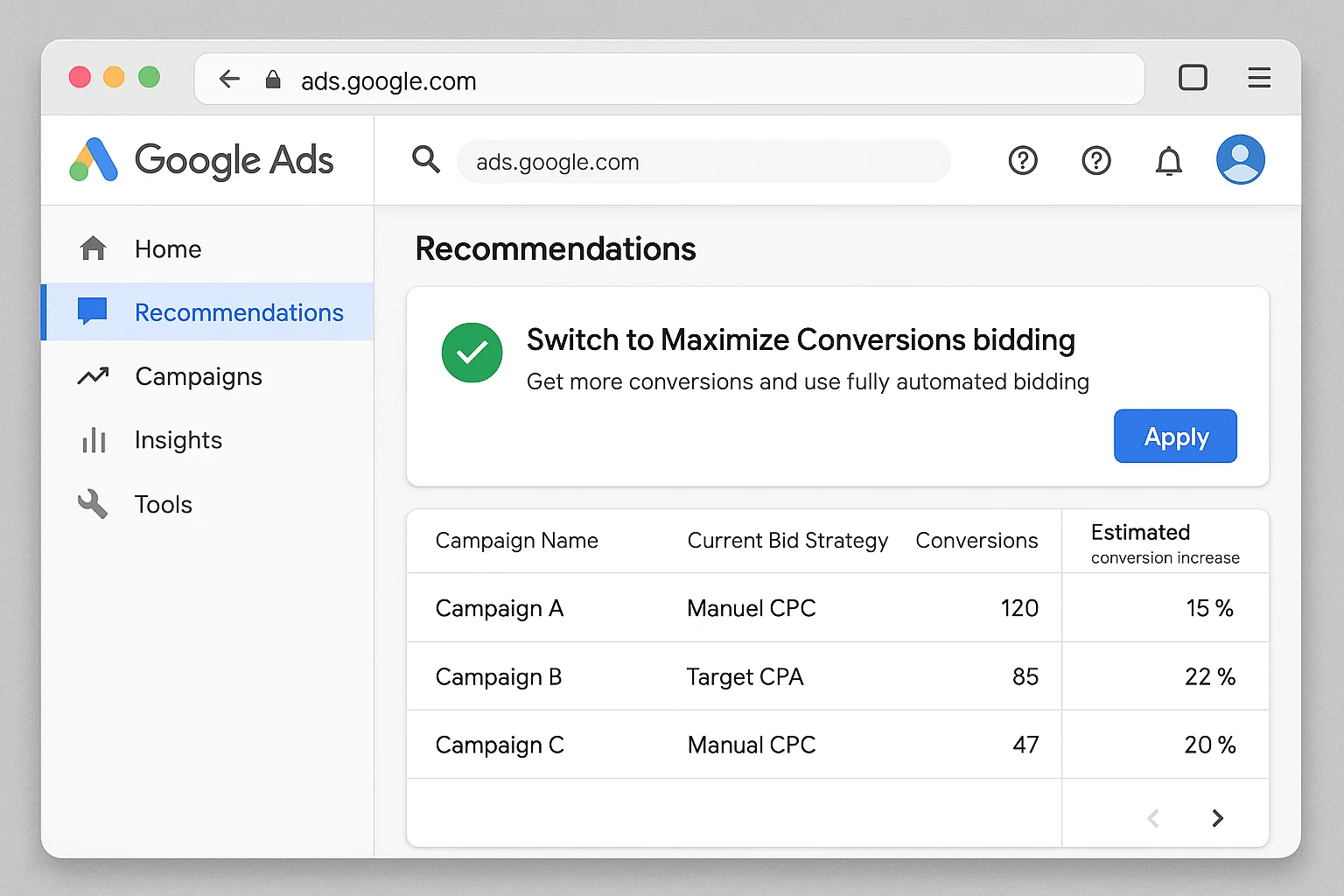
The takeaway: Data volume determines which family you start with. Your priority determines which specific strategy you choose. And a 14-day review cycle keeps you from staying on the wrong one too long.
How To Graduate From Maximize to Target (And Scale Profitably)
The smartest Google Ads operators use the same playbook, and leading PPC publications like WordStream document this pattern consistently.
Start with Maximize. Graduate to Target.
Here’s the progression:
Week 1-4: The Data Collection Phase
Launch with Maximize Conversions (or Maximize Clicks if you are testing a new audience or keyword set). Let Google spend. Let the algorithm learn which auctions convert. Accept that efficiency will be rough.
Your only job in this phase: make sure conversion tracking is flawless. Every conversion must fire correctly. Bad data here poisons everything downstream.
Week 4-8: The Evaluation Phase
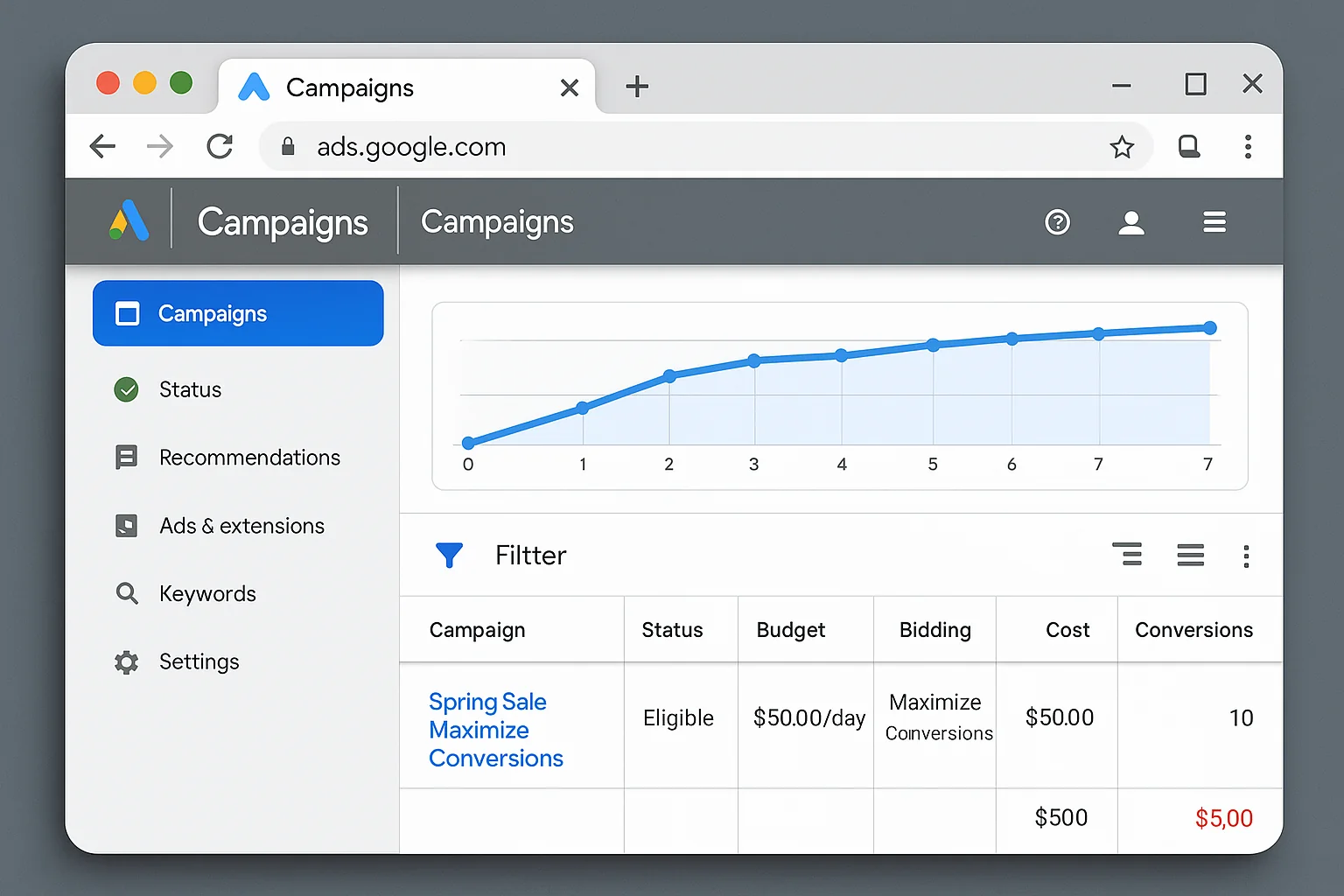
Pull your actual CPA or ROAS from the Maximize phase. If you ran Maximize Conversions and your average CPA landed at $35, that is your baseline.
Now you know what Google can actually deliver in this auction environment, for your keywords, with your ads, to your landing pages. That $35 is real. It is based on real data, not a guess.
Week 8+: The Target Phase
Switch to Target CPA. Set your target at or slightly above your Maximize-phase average. If your average CPA was $35, set your Target CPA at $37-$40.
Why slightly above? Because Target strategies need breathing room. If you set a Target CPA of $25 when your actual average was $35, Google cannot hit that target. It will stop spending. You are back to the “barely running campaign” problem.
Give it room. Then tighten over time as the algorithm finds more efficient paths.
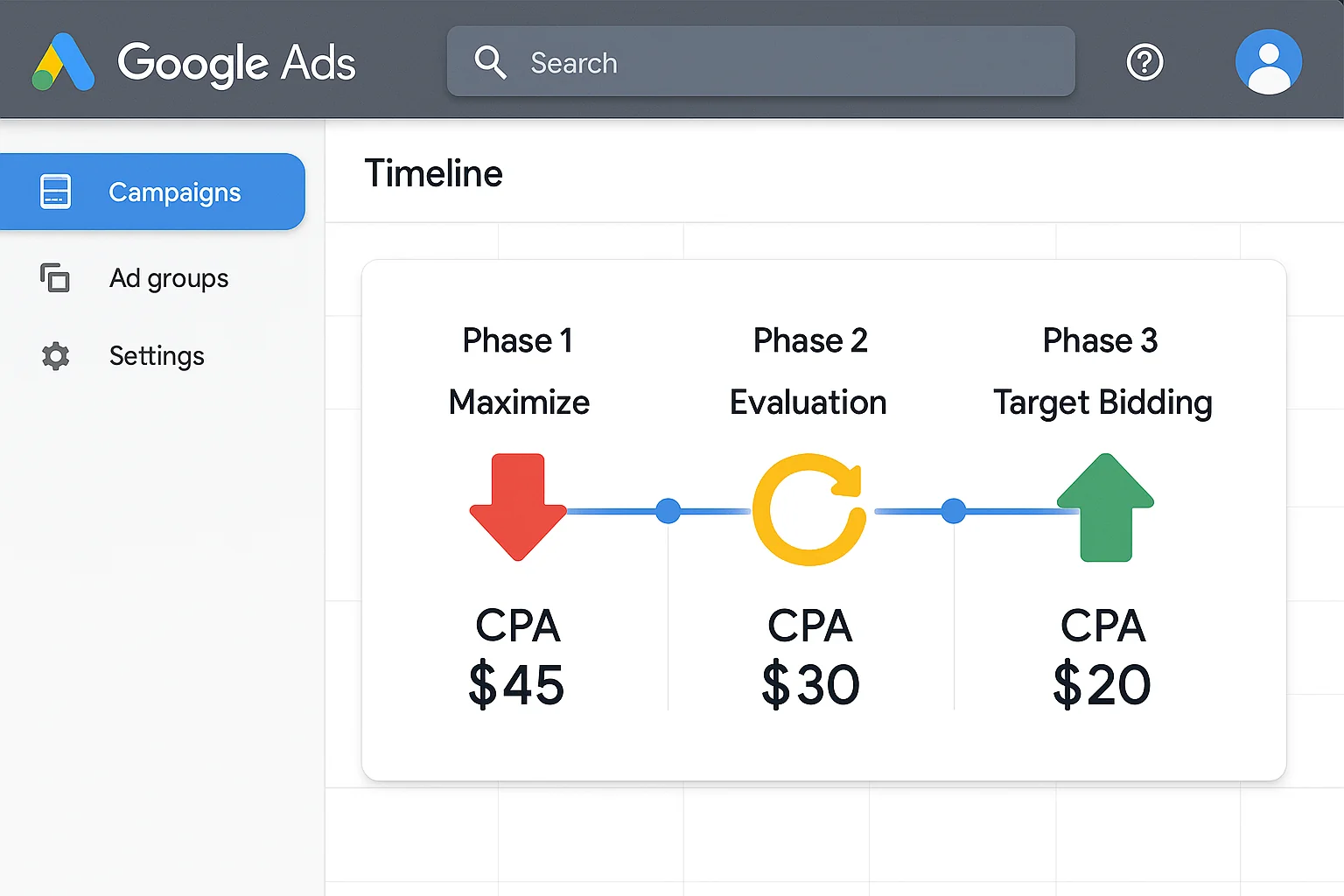
The takeaway: Maximize is for learning. Target is for scaling. The graduation from one to the other, informed by real performance data, is how professionals run Google Ads profitably.
5 Bidding Mistakes That Drain Your Google Ads Budget
Based on how seasoned PPC practitioners describe the most common errors, and reinforced by resources like Search Engine Journal’s guide to bidding mistakes, here are the traps to avoid.
Mistake 1: Starting With Target CPA on a Brand New Campaign
Zero data means zero confidence for the algorithm. Your campaign will barely spend. You will think Google Ads “doesn’t work.” The algorithm is just following instructions: it cannot hit your target, so it does not spend.
Fix: Start with Maximize Conversions. Collect 30+ conversions. Then switch.
Mistake 2: Staying on Maximize Conversions Forever
Maximize never stops spending. If your CPA creeps from $30 to $50 to $80, Maximize will keep going. It has no ceiling unless you set one.
Fix: Graduate to Target CPA once you have baseline data. Set your target based on actual performance, not a wish.
Mistake 3: Setting a Target CPA Way Below Your Actual Average
Your Maximize phase averaged $40 CPA. You switch to Target CPA and set it at $15 because that is what you want to pay.
Google cannot deliver $15 conversions in an auction where reality is $40. The campaign goes silent.
Fix: Set your initial Target CPA at or slightly above your actual Maximize average. Tighten it by 5-10% every two weeks as the algorithm optimizes.
Mistake 4: Ignoring Budget Utilization Signals
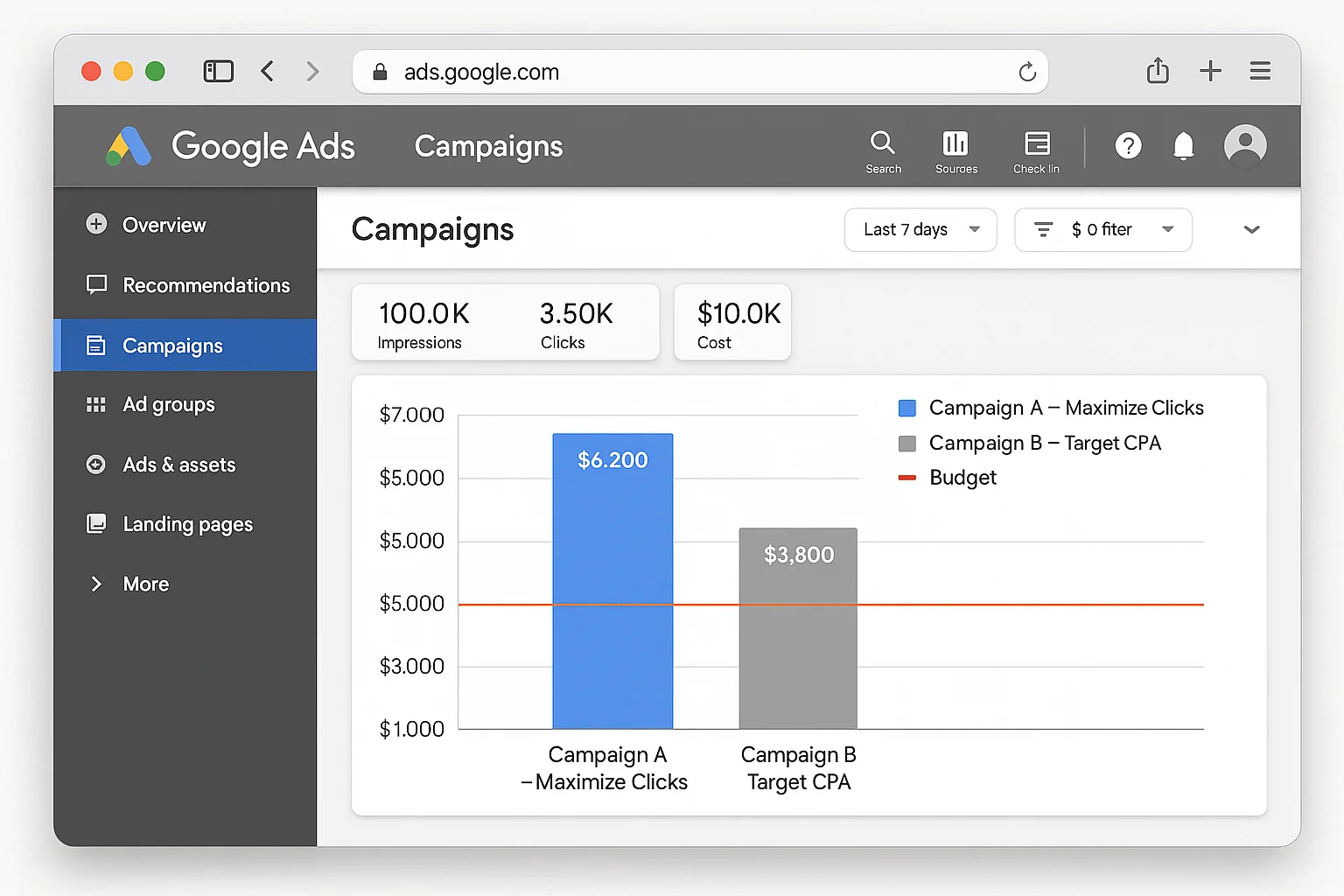
A Target campaign spending only 30% of its daily budget is screaming at you. It is telling you the target is too tight for the current auction landscape.
A Maximize campaign spending 100% of budget with terrible CPA is also screaming at you. It is telling you the campaign needs guardrails.
Fix: Check budget utilization weekly. Underspend on Target means loosen the target. Overspend on Maximize with bad results means graduate to Target or add bid limits.
Mistake 5: Switching Strategies Too Frequently
Every time you change bid strategies, the algorithm resets its learning. Google needs 7-14 days to recalibrate after a strategy change, as noted in Google’s own Smart Bidding documentation.
Switching every three days because you are impatient means the algorithm NEVER gets past the learning phase. Performance stays chaotic.
Fix: Commit to a strategy for a minimum of 14 days. Review, then decide. Patience is a competitive advantage in Google Ads.
The takeaway: Most bidding mistakes come from putting the right strategy in the wrong situation. Match the strategy family to your data maturity, and you eliminate the most expensive errors in your account.
The One Sentence Version
Maximize spends your budget and hopes for results. Target hits your number and then spends your budget. Know which one you need, and your Google Ads account stops being a slot machine and starts being a system.
Now go check which bid strategy your campaigns are actually running. The answer will tell you everything.