How To Find Your Competitor's Hidden Strategy Documents With One Google Search
TL;DR
One Google search, site:competitor.com filetype:pdf, surfaces strategy documents, case studies, and white papers your competitors uploaded and forgot to hide from Google’s index. This 10-second search reveals how competitors describe their product, the language they use to sell, and the campaign results they share internally. You can do it right now, for free, in any browser. No paid competitive intelligence tool required.
In This Post You’ll Learn
- How competitors accidentally leak strategy documents on Google (and why it happens constantly)
- The exact Google search syntax that reveals their hidden PDFs in 10 seconds
- 5 advanced operator combos that go way deeper than the basic search
- How to turn competitor PDFs into positioning, messaging, and campaign intelligence
- How to make sure YOUR documents don’t show up when competitors try this on you
Your Competitors Are Leaking Strategy Documents on Google Right Now
Most companies upload PDFs to their website without thinking twice.
Sales decks. Product one-pagers. Case studies for partners. Internal research compiled into white papers. Onboarding guides. Pricing breakdowns.
They upload the file, share the link privately, and assume nobody else will ever find it.
They’re wrong.
Google crawls and indexes PDF files just like it indexes web pages. According to Google’s Search Central documentation on indexable file types, PDFs are fully crawlable and indexable by default. Unless a company explicitly blocks them with robots.txt or noindex tags, those PDFs are sitting in Google’s index right now.
Waiting for anyone who knows the right search to find them.
The search takes 10 seconds. And most growth practitioners have never tried it.
Here’s the thing. Paid competitive intelligence tools like Crayon, Klue, and Kompyte charge $15,000 to $30,000 per year for competitor monitoring. They scrape websites, track changes, and compile reports.
This Google search does a version of the same thing. For free. In the time it takes to type one sentence.
The 10-Second Google Search That Reveals Your Competitor’s Playbook
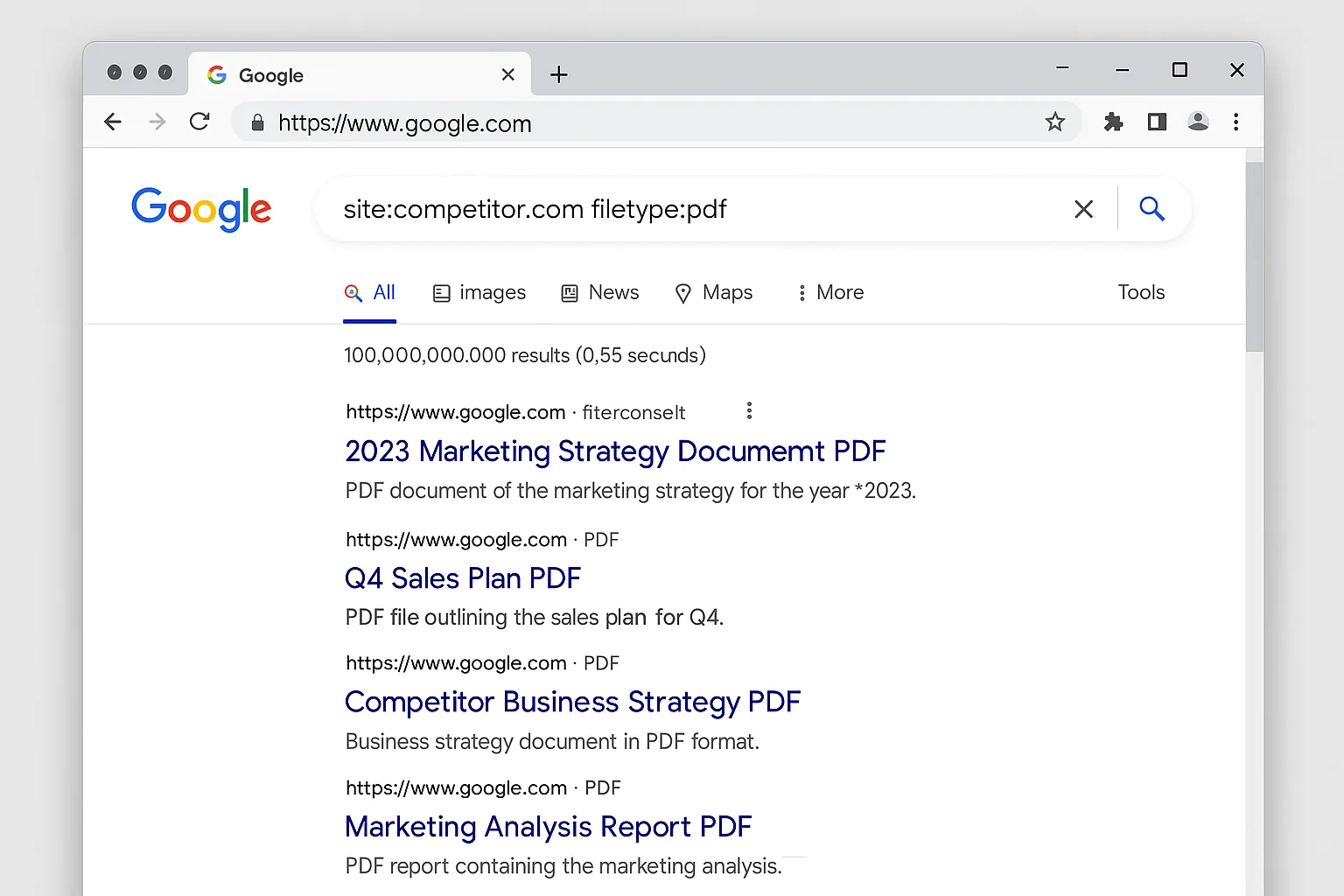
Open Google. Type this:
site:competitor.com filetype:pdf
Replace “competitor.com” with your actual competitor’s domain.
Hit enter.
That’s it. Every PDF file that Google has indexed on that domain will appear in the results.
What the Operators Do
The site: operator tells Google to only return results from a specific domain. The filetype: operator tells Google to only return results in a specific file format.
Combined, they say: “Show me every PDF on this website.”
According to Ahrefs’ complete guide to Google advanced search operators, the filetype: operator works with dozens of formats including PDF, DOC, DOCX, XLS, XLSX, PPT, and PPTX. But PDF is where the gold is. Companies publish their most polished, strategic content as PDFs.
What These PDFs Actually Contain
When you run this search on a real competitor, you’ll typically find documents in five categories:
1. Case studies and customer success stories. These reveal exactly how your competitor frames their value proposition, which metrics they highlight, and which industries they target.
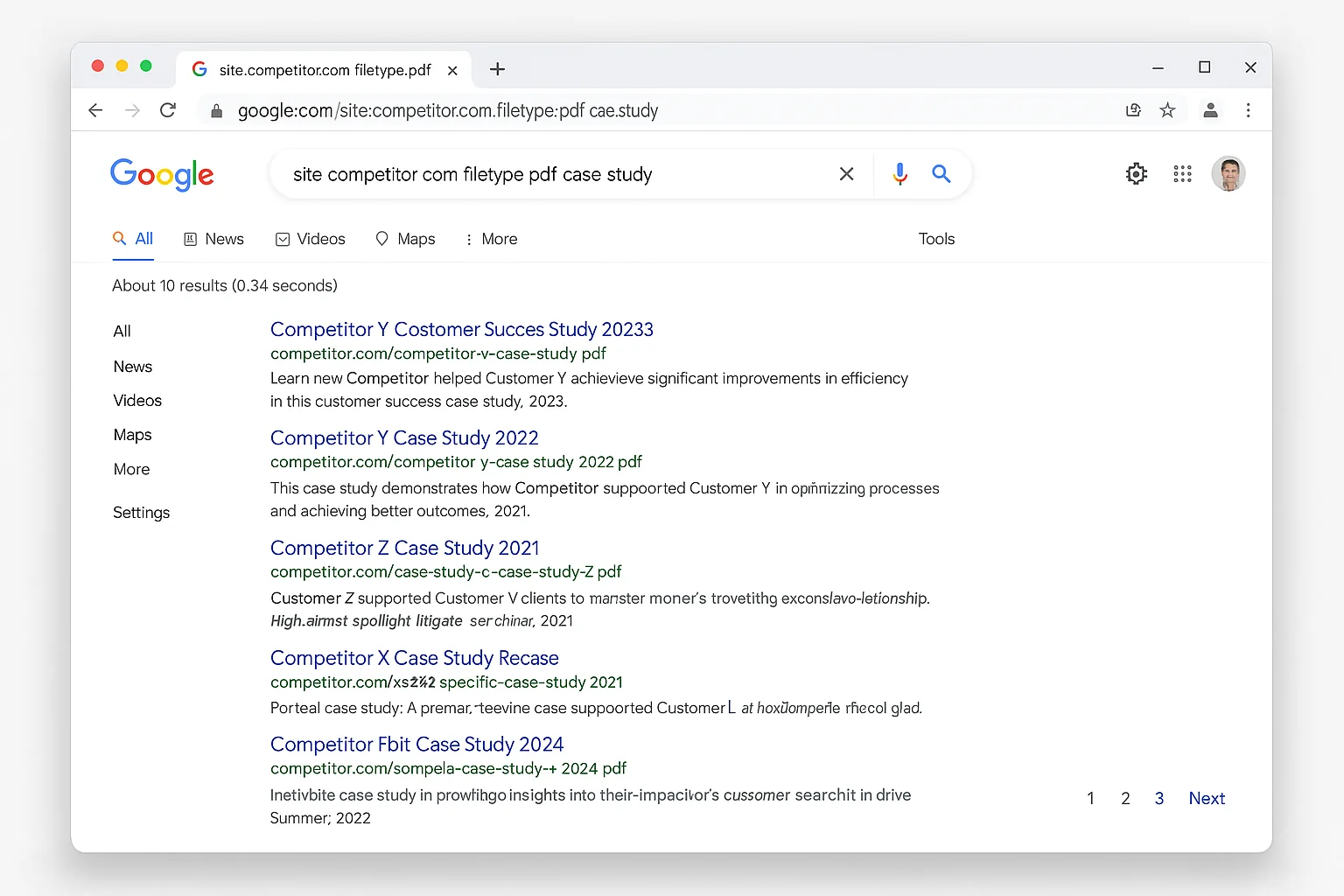
2. Sales decks and product overviews. These show you the exact language your competitor uses to describe their product, their pricing tiers, and how they position against alternatives (maybe even you).
3. White papers and research reports. These show you what topics your competitor considers important enough to invest in, and what data they’re using to build authority in the market.
4. Partner and integration documents. These reveal your competitor’s ecosystem strategy, who they’re partnering with, and what their technical integration looks like.
5. Internal guides and process documents. Sometimes companies upload onboarding docs, brand guidelines, or campaign playbooks and forget to lock them down.
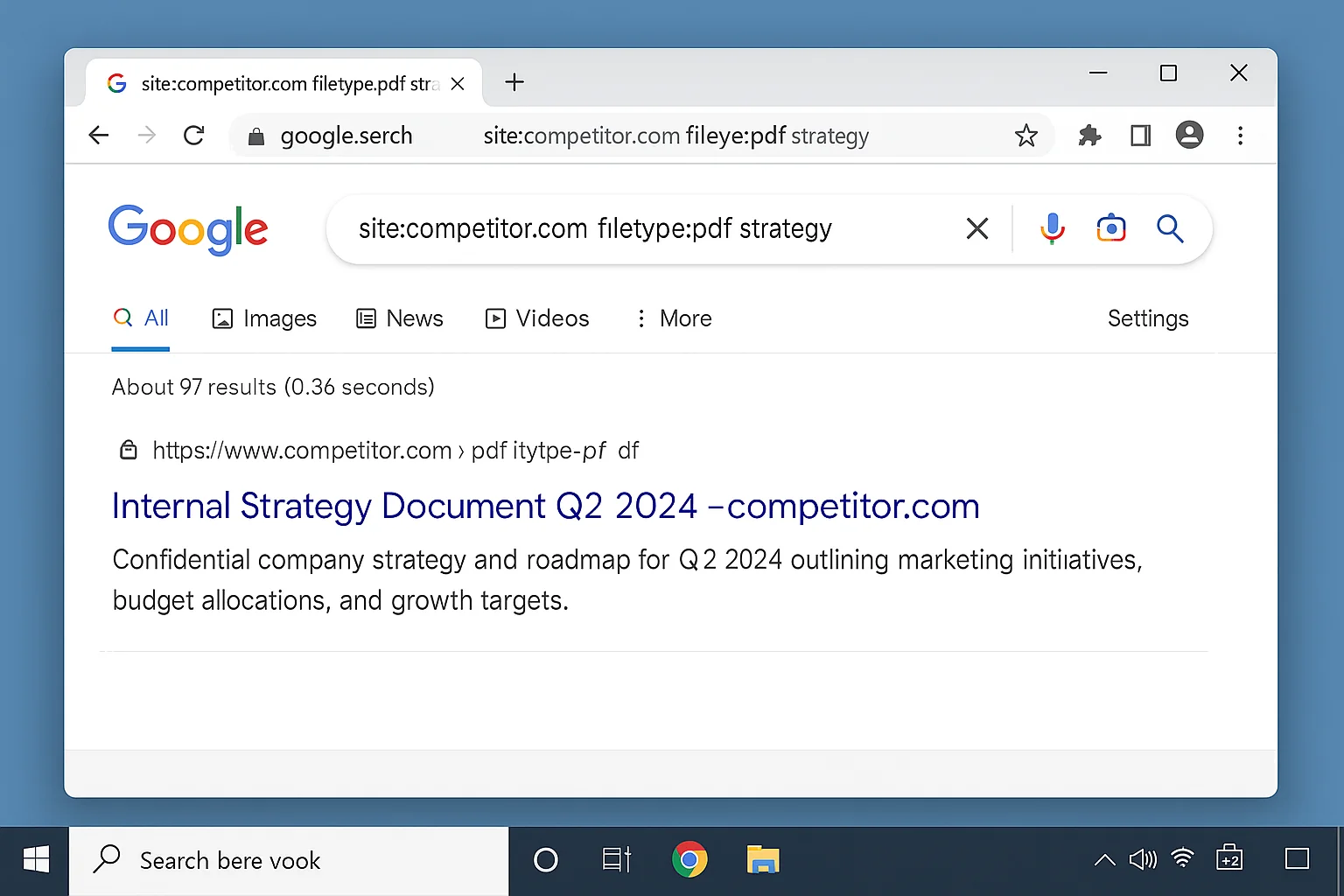
The takeaway: Companies upload PDFs constantly and almost never think about search engine indexing. One 10-second Google search gives you access to strategic documents that would cost you thousands of dollars through paid intelligence platforms.
5 Advanced Operator Combos That Dig Deeper Than a Basic PDF Search
The basic site:filetype: search is powerful on its own. But stacking additional operators makes it surgical.
Combo 1: Find PDFs With Specific Keywords
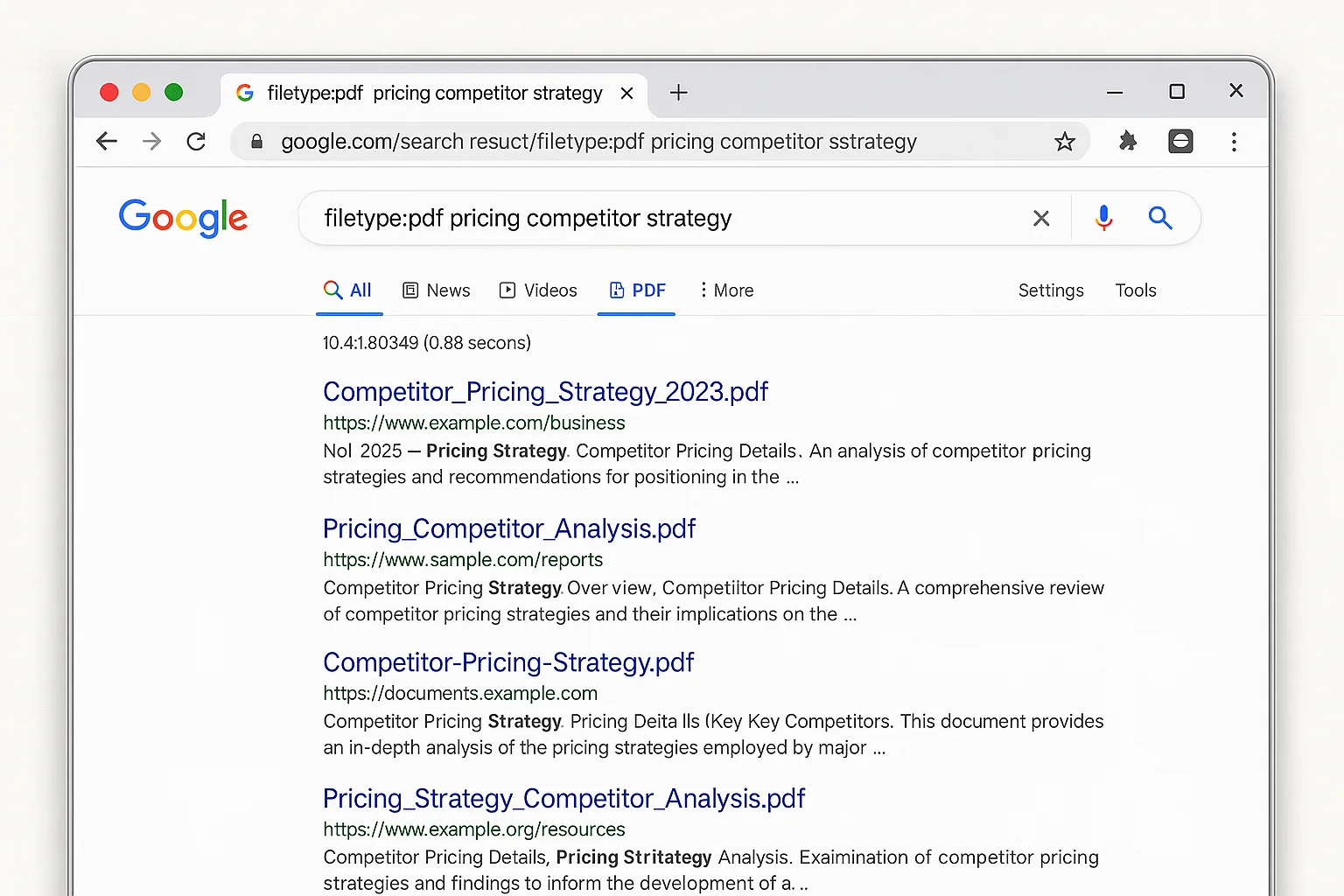
site:competitor.com filetype:pdf "pricing"
This searches inside the PDF content for the word “pricing.” Replace it with “case study,” “ROI,” “integration,” or any term you’re hunting for.
Combo 2: Find PDFs in Specific Directories
site:competitor.com filetype:pdf inurl:resources
The inurl: operator limits results to URLs containing a specific path. Many companies store PDFs in /resources/, /assets/, /downloads/, or /docs/ directories. Target those first.
Combo 3: Find Recently Uploaded PDFs
site:competitor.com filetype:pdf after:2025-01-01
The after: operator filters results by date. This is powerful for tracking what your competitor has published recently. Use it quarterly to monitor new uploads.
Combo 4: Find PDFs Across an Entire Industry
Drop the site: operator and search by topic:
filetype:pdf "saas marketing strategy" "case study"
This returns PDFs from EVERY domain that match your keywords. You’ll find documents from companies you didn’t even know were competing with you.
Combo 5: Find Presentations, Spreadsheets, and Word Docs
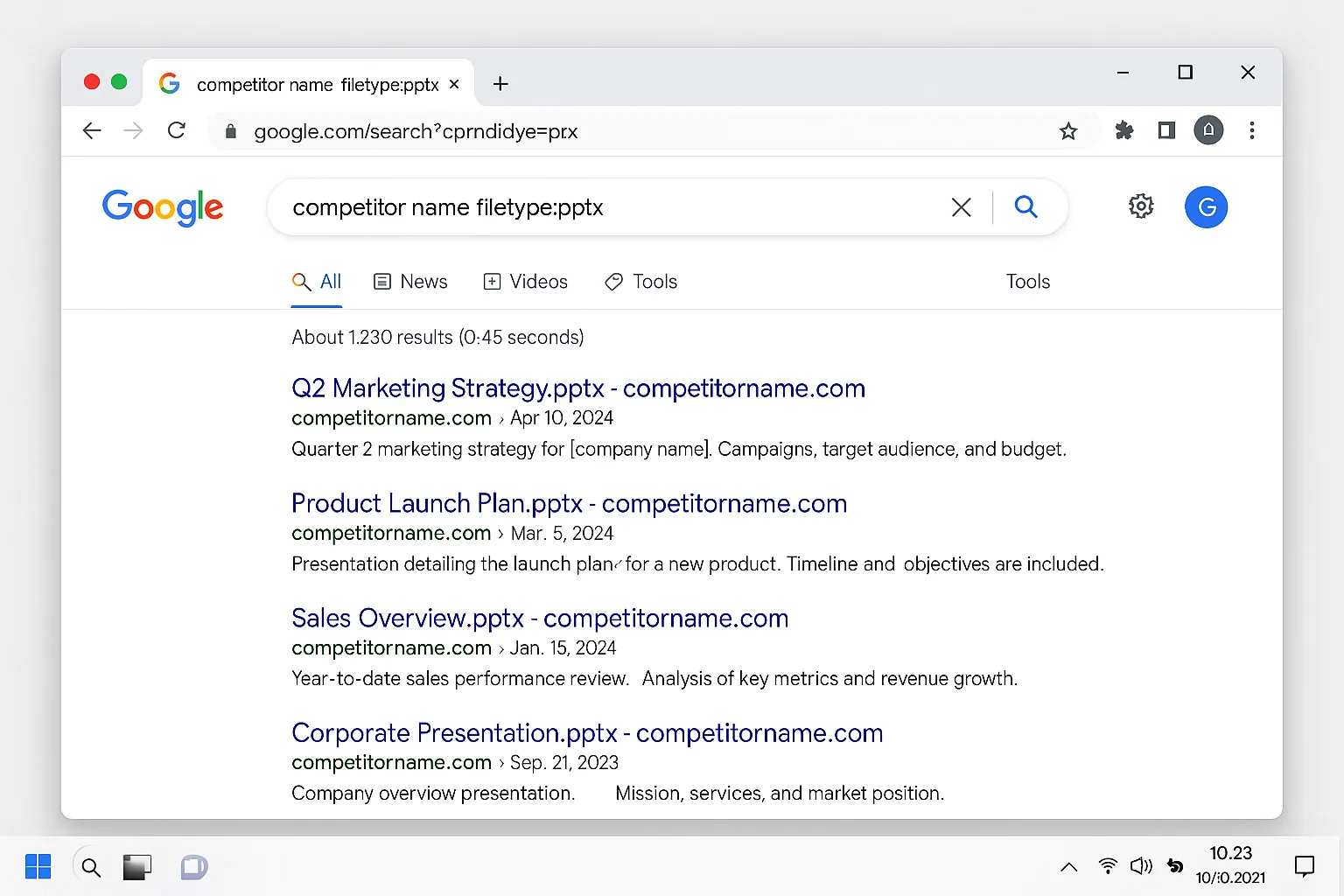
site:competitor.com filetype:pptx
site:competitor.com filetype:xlsx
site:competitor.com filetype:docx
PDFs are the most common, but PowerPoint decks, Excel spreadsheets, and Word documents can be even more revealing. Moz’s search operators reference confirms that Google indexes over 20 different file types through the filetype: operator.
The takeaway: The basic PDF search is just the starting point. Adding keyword filters, URL path targeting, and date ranges turns a broad scan into precision competitive intelligence.
How to Turn Competitor PDFs Into Actionable Intelligence
Finding the documents is step one. Knowing what to extract from them is where the real advantage kicks in.
Here’s a framework for turning raw PDF discoveries into competitive intelligence you can actually use.
Steal Their Positioning Language
Read how your competitor describes their product in their own words. Not on their homepage (which is polished and tested). In their PDFs (which are often more honest and detailed).
Look for:
- How they describe the problem they solve. This tells you what pain points their customers care about most.
- The specific words and phrases they repeat. These are the terms their audience responds to. Use similar language in your own copy.
- How they differentiate from alternatives. If they mention specific competitors or categories, you now know exactly how they position themselves.
Let’s say you sell project management software and you find a competitor’s partner deck PDF. The deck says: “Unlike legacy tools that require 6-week implementations, [Competitor] deploys in 48 hours with zero IT involvement.”
That sentence tells you three things. Their customers hate long implementations. Speed is their key differentiator. And they’re targeting buyers who don’t have dedicated IT teams.
You just learned their entire positioning strategy from one PDF sentence.
Reverse-Engineer Their Campaign Strategy
Case study PDFs are a goldmine for this. They almost always include:
- The customer’s starting situation (the “before”)
- What the competitor did (the campaign or implementation)
- The results (specific metrics)
These three elements tell you EXACTLY what campaigns your competitor runs and how they measure success.
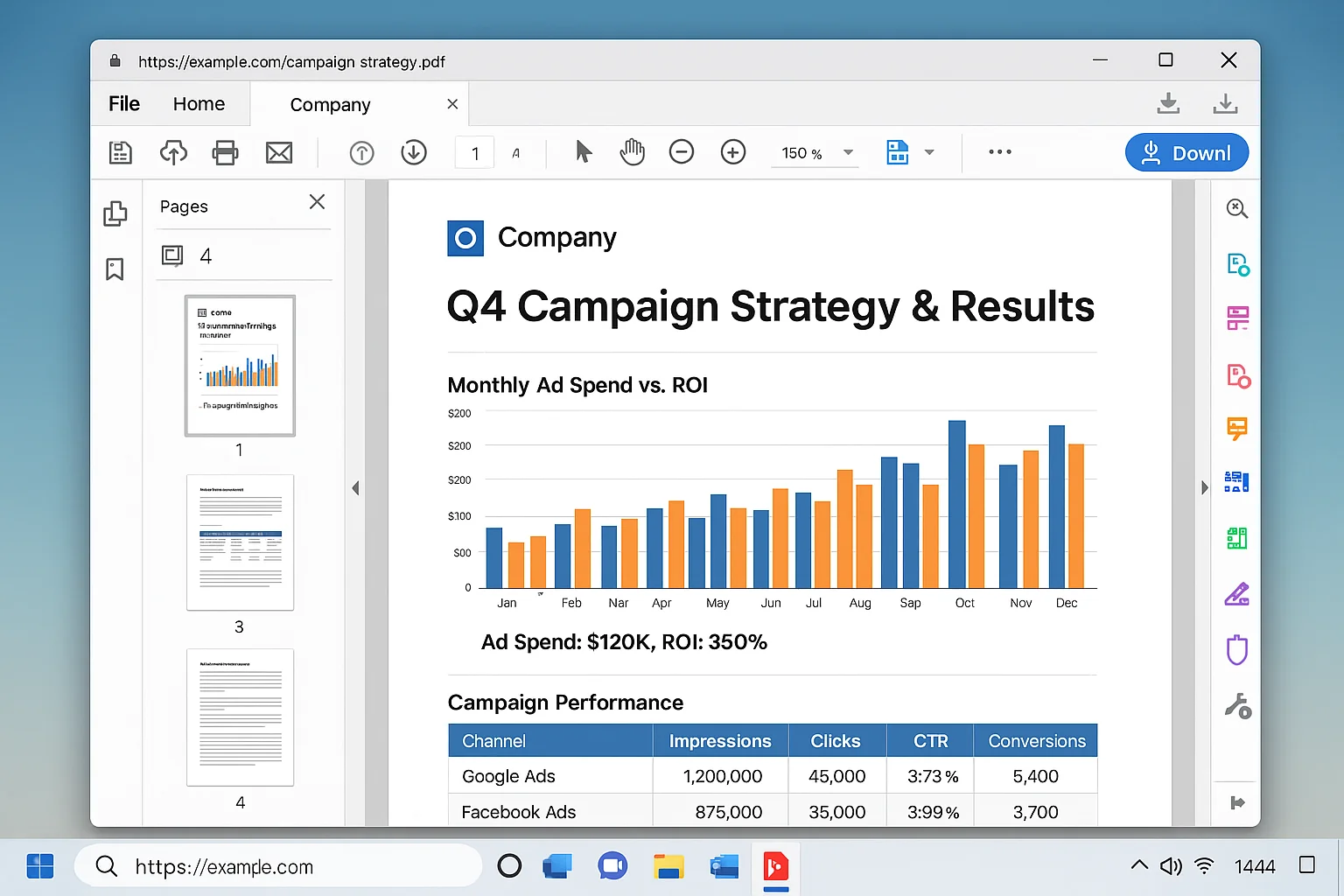
Track these across multiple case studies and you’ll see patterns. If every case study mentions the same 3 metrics, those are the metrics your competitor optimizes for. If every case study features the same industry, that’s the vertical they’re doubling down on.
Map Their Product Roadmap and Priorities
White papers and research reports reveal what your competitor thinks is important.
If they published a 20-page white paper on AI-powered analytics, that’s a strong signal they’re investing heavily in that area. If their partner docs mention upcoming integrations, you know where their product roadmap is heading.
Product strategy leaks through PDFs more than any other channel. Marketing pages are carefully controlled. PDFs are uploaded and forgotten.
The takeaway: The documents themselves aren’t the prize. The intelligence you extract from them is. Build a simple spreadsheet tracking competitor positioning, campaign patterns, and product signals from every PDF you find.
Real Examples of What This Search Uncovers Across 4 Industries
To show how this works in practice, here are four searches you can run right now across different industries.
SaaS / B2B Software
site:hubspot.com filetype:pdf "case study"
HubSpot publishes dozens of customer case studies as PDFs. These reveal which industries they target, what metrics they highlight, and how they frame the ROI of their platform.
E-commerce / DTC Brands
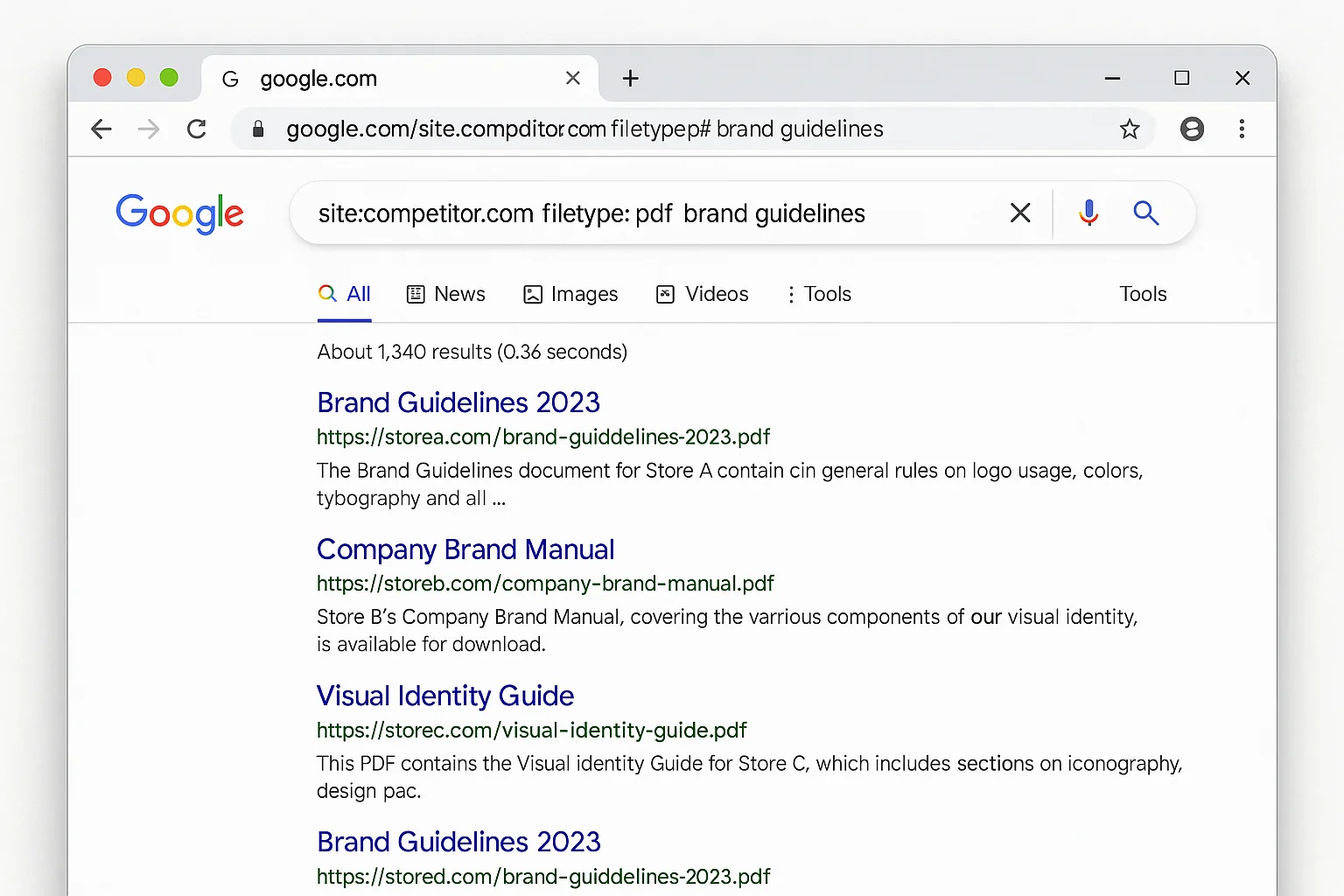
filetype:pdf "brand guidelines" "ecommerce"
This surfaces brand guideline documents from e-commerce companies. You’ll see their color palettes, messaging frameworks, tone of voice rules, and target customer personas.
Financial Services
site:stripe.com filetype:pdf
Stripe publishes economic research reports, partner integration guides, and regulatory compliance documents as PDFs. These reveal how they position their infrastructure to different market segments.
Marketing Agencies
filetype:pdf "marketing strategy" "results" "client"
This catches agency case studies, pitch decks, and campaign recaps that agencies uploaded for prospects and never removed.
The beauty of this tactic is that it works in EVERY industry. Any company that uploads PDFs to their web server (and almost all of them do) is vulnerable to this search.
How to Block Your Own PDFs From Getting Indexed
Once you realize how much this search reveals, the first thing you should do is check whether YOUR documents are exposed too.
Run this search on your own domain first:
site:yourdomain.com filetype:pdf
If you see documents that shouldn’t be publicly discoverable, here are three ways to fix it.
Method 1: Block PDFs in robots.txt
Add this line to your robots.txt file:
Disallow: /path-to-pdfs/
This tells Google not to crawl that directory. According to Google’s robots.txt documentation, this is the fastest way to prevent new PDFs from being indexed.
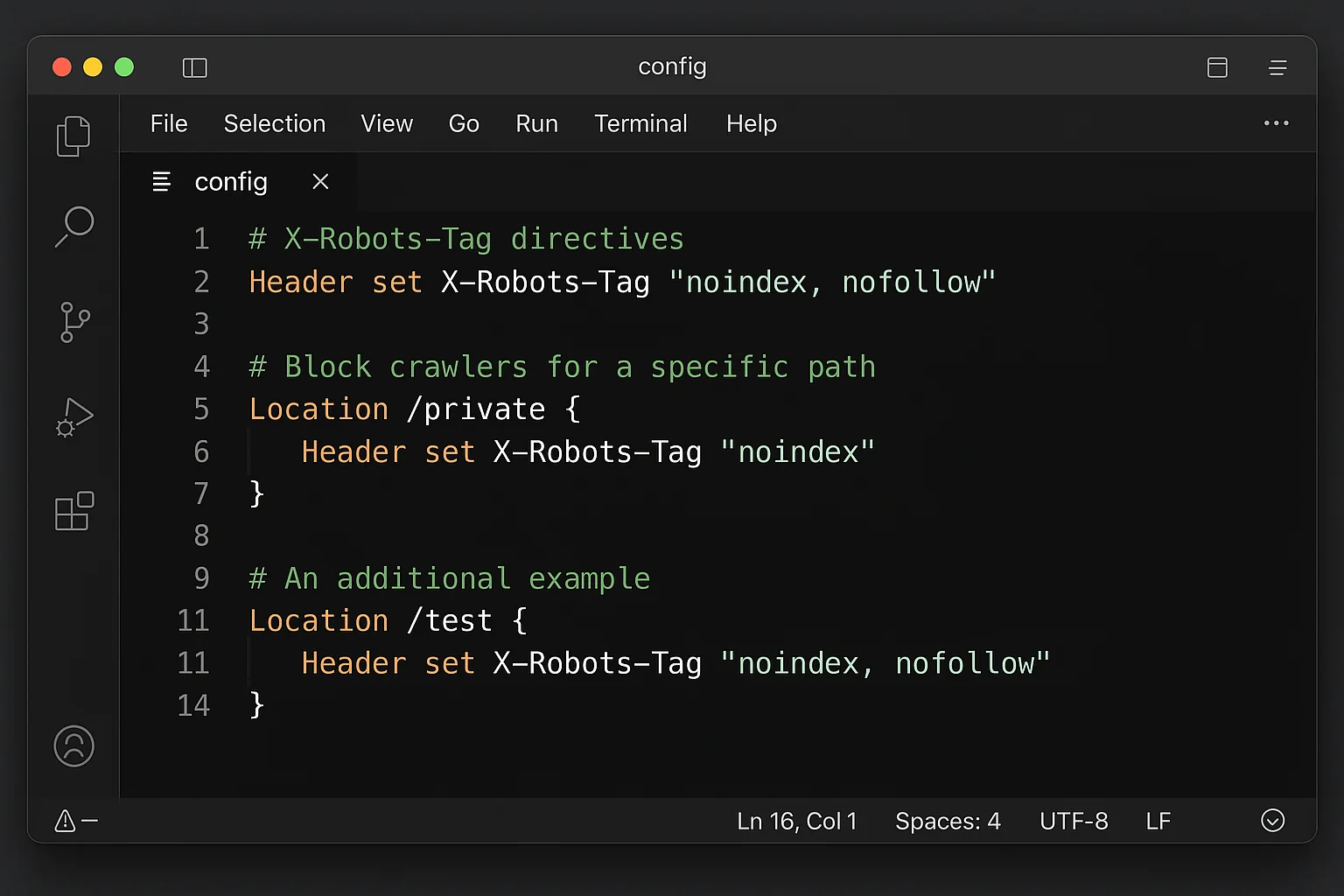
Method 2: Add X-Robots-Tag HTTP Headers
For PDFs already on your server, configure your web server to send this header:
X-Robots-Tag: noindex
This works because you can’t embed a meta robots tag inside a PDF file. The HTTP header method is the solution Google recommends for non-HTML file types.
Method 3: Remove and Request De-indexing
If sensitive PDFs are already indexed, remove them from your server and use Google Search Console’s URL Removal Tool to request expedited de-indexing.
The takeaway: Before you use this technique on competitors, audit your own domain. The same search that reveals their strategy documents could be revealing yours.
Why This Beats Paying for Competitor Intelligence Tools
Competitive intelligence platforms are big business. Crayon, Klue, Kompyte, and Similarweb all charge premium prices for competitor monitoring.
These tools have their place. They automate tracking, send alerts, and compile dashboards.
But for raw, unfiltered access to competitor strategy documents, a free Google search does something no paid tool can replicate. It finds documents the competitor forgot existed.
Paid tools monitor public-facing content: pricing pages, feature pages, blog posts. They track changes to things competitors control.
The site:filetype: search finds things competitors don’t control. The sales deck uploaded to a subdirectory in 2023. The partner case study that was supposed to be behind a login. The white paper draft that never got a noindex tag.
That’s the difference between monitoring a competitor’s storefront and finding their unlocked filing cabinet.
According to Search Engine Journal’s guide to competitive SEO analysis, the best competitive research combines automated tools with manual discovery techniques. The site:filetype: search is the most powerful manual technique most marketers have never tried.
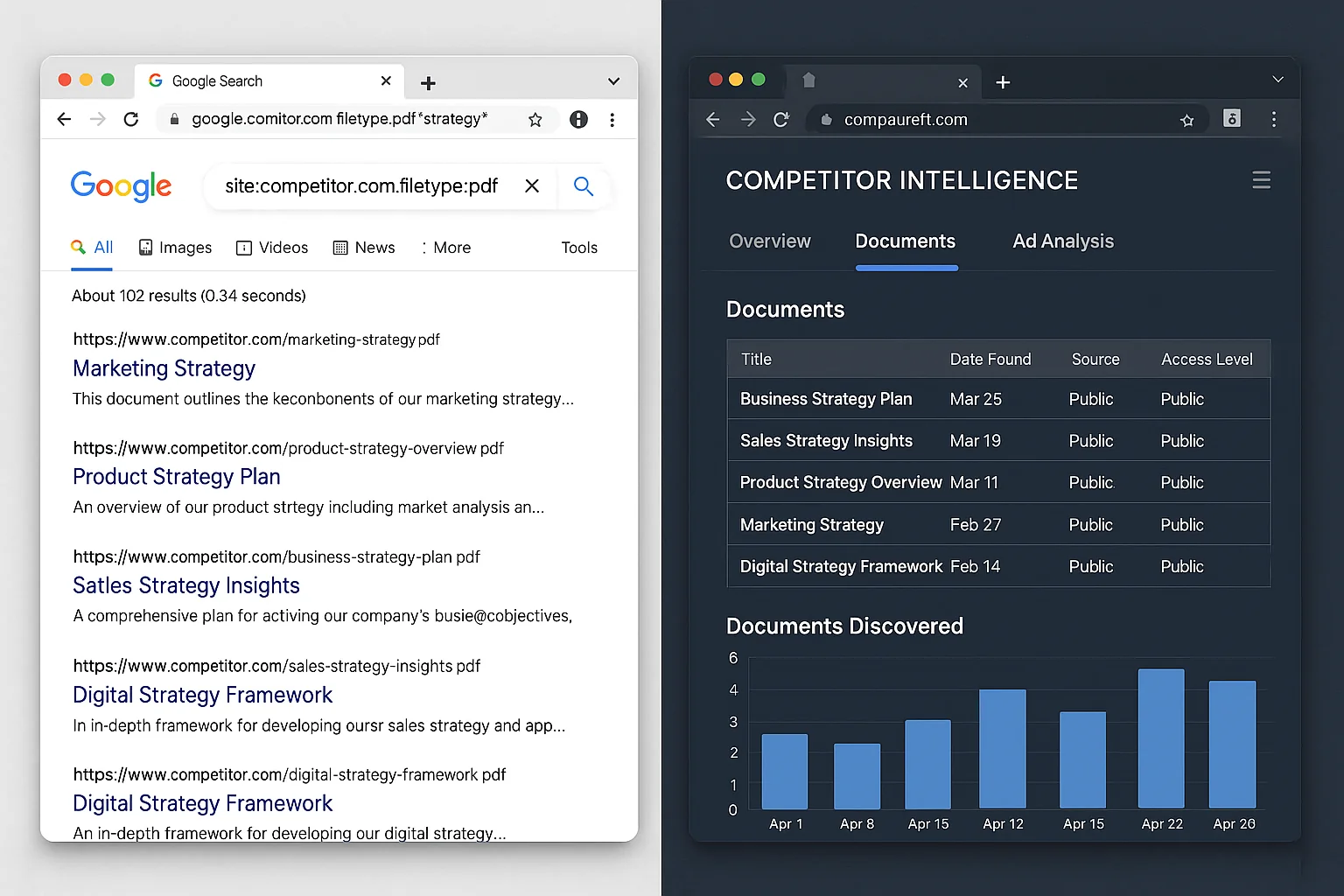
And here’s what makes it compound. Set a monthly calendar reminder. Run the same searches on your top 5 competitors on the first of every month. New PDFs appear constantly as companies publish new case studies, update their sales materials, and add partner documentation.
30 minutes per month. Five competitors. Zero dollars.
Start Spying on Your Competitors in the Next 60 Seconds
Here’s your action plan:
- Pick your top 3 competitors. Write down their domains.
- Run the basic search.
site:competitor.com filetype:pdffor each one. - Scan the results. Open anything that looks like a case study, sales deck, or strategy document.
- Go deeper. Add keyword filters (
"pricing","case study","strategy") to find specific document types. - Audit yourself. Run the same search on your own domain and lock down anything sensitive.
- Set a monthly reminder. New documents get uploaded constantly.
This is the kind of competitive intelligence that costs other companies five figures a year.
You just got it for the price of a Google search.
Go run it.