Meta Ads Creative Testing: When to Test, When to Stop, and How to Protect Your Winners
TL;DR
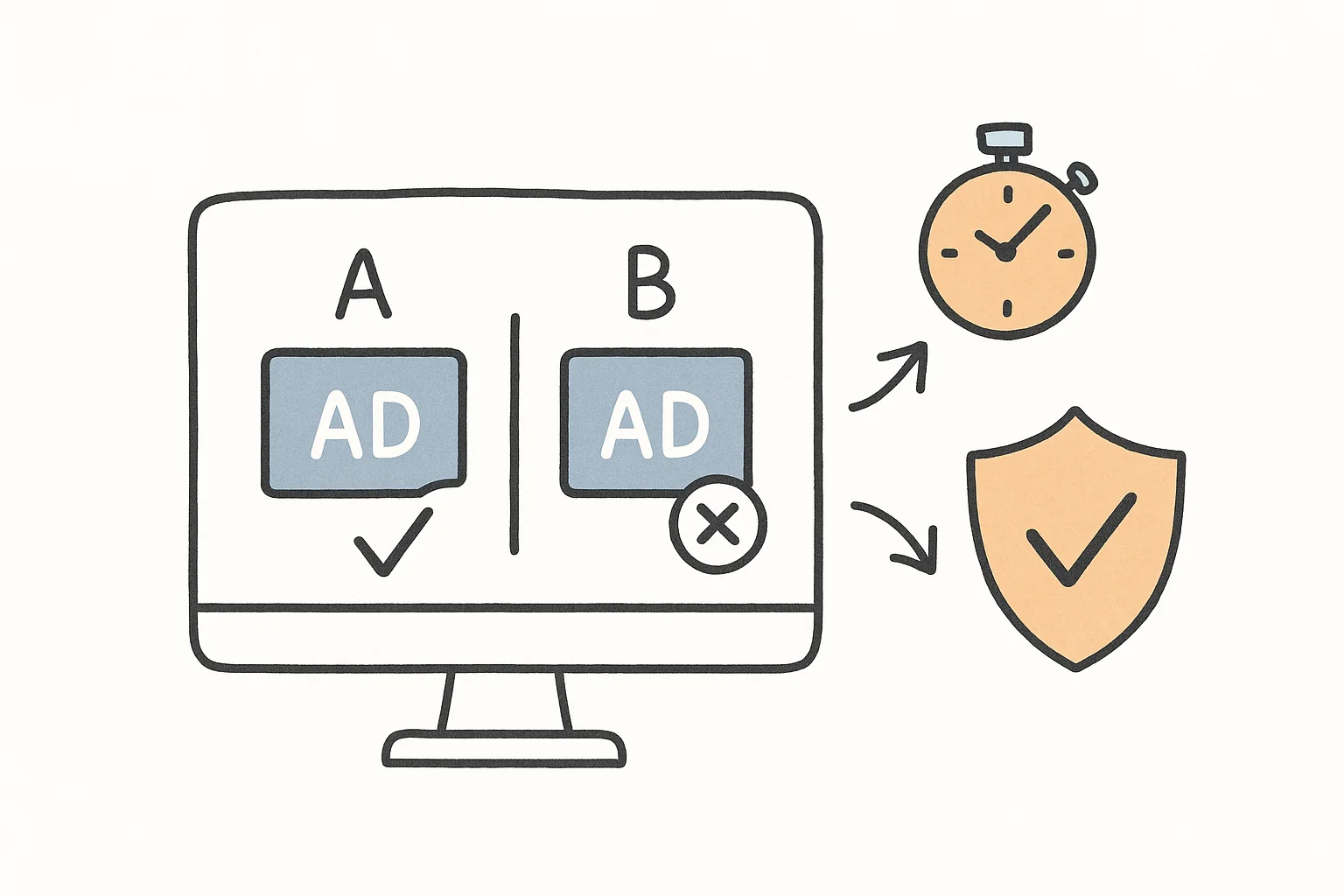
Meta’s creative testing tool lets you test new ads inside your existing ad set without losing your winners. But every creative test forces budget away from what’s already working. The smartest Meta advertisers test when performance dips and STOP testing when results are strong. This “Test or Rest” framework protects your best campaigns from unnecessary disruption.
In This Post You’ll Learn
- Why “always be testing” is quietly bleeding your ad budget
- How Meta’s creative testing tool works inside your existing ad set
- The 3 ways to test creative and what each one costs you
- The “Test or Rest” framework for knowing exactly when to test
- How to spot creative fatigue before it tanks your results
Why “Always Be Testing” Is Costing You Money
There’s a piece of advice floating around every Meta ads community, every YouTube tutorial, every paid media Slack group.
“Always be testing.”
It sounds smart. It sounds disciplined. And it’s costing you money.
I’ve watched advertisers tank their own results because they launched a creative test during the best week their account had ever seen. Their CPA was at an all-time low. Their ROAS was at an all-time high. And they decided it was the perfect time to “see what else works.”
It wasn’t.
Here’s the problem. Every creative test you run forces Meta to divert budget away from ads that are already performing. The algorithm has to split delivery between your proven winners and your unproven test creative. That split creates drag on campaigns that were doing just fine without your intervention.
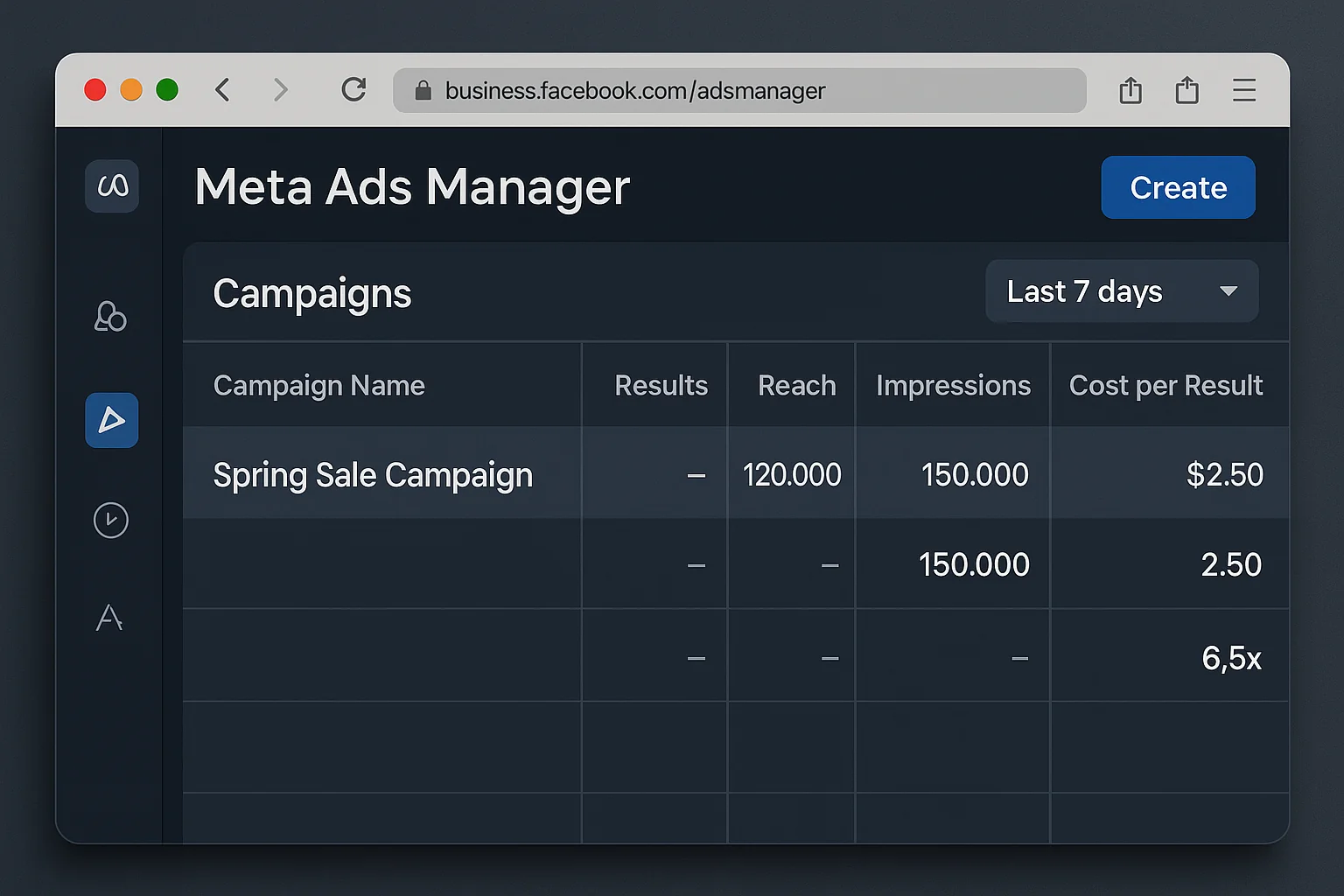
Think about it like this. You have an ad set crushing it at a 4.2x ROAS. Your cost per acquisition is at its lowest point in 3 months. Every metric is green.
And then you drop 3 new test creatives into the mix.
Budget gets reallocated. The learning phase kicks in for the new ads. Your proven winners lose delivery. Your overall performance takes a hit.
All because someone on Twitter said you should “always be testing.”
The best Meta advertisers know when to test and when to leave their campaigns alone. That distinction is what separates profitable accounts from accounts that sabotage their own success.
Meta’s Creative Testing Tool (And Why It Changes the Game)
Meta rolled out a creative testing tool built directly into Ads Manager. It’s a genuine improvement over older testing methods.
Here’s what makes it different from traditional A/B testing.
How the Creative Testing Tool Works Inside Your Ad Set
The tool lets you test new ad creative within your existing ad set. That’s the key detail.
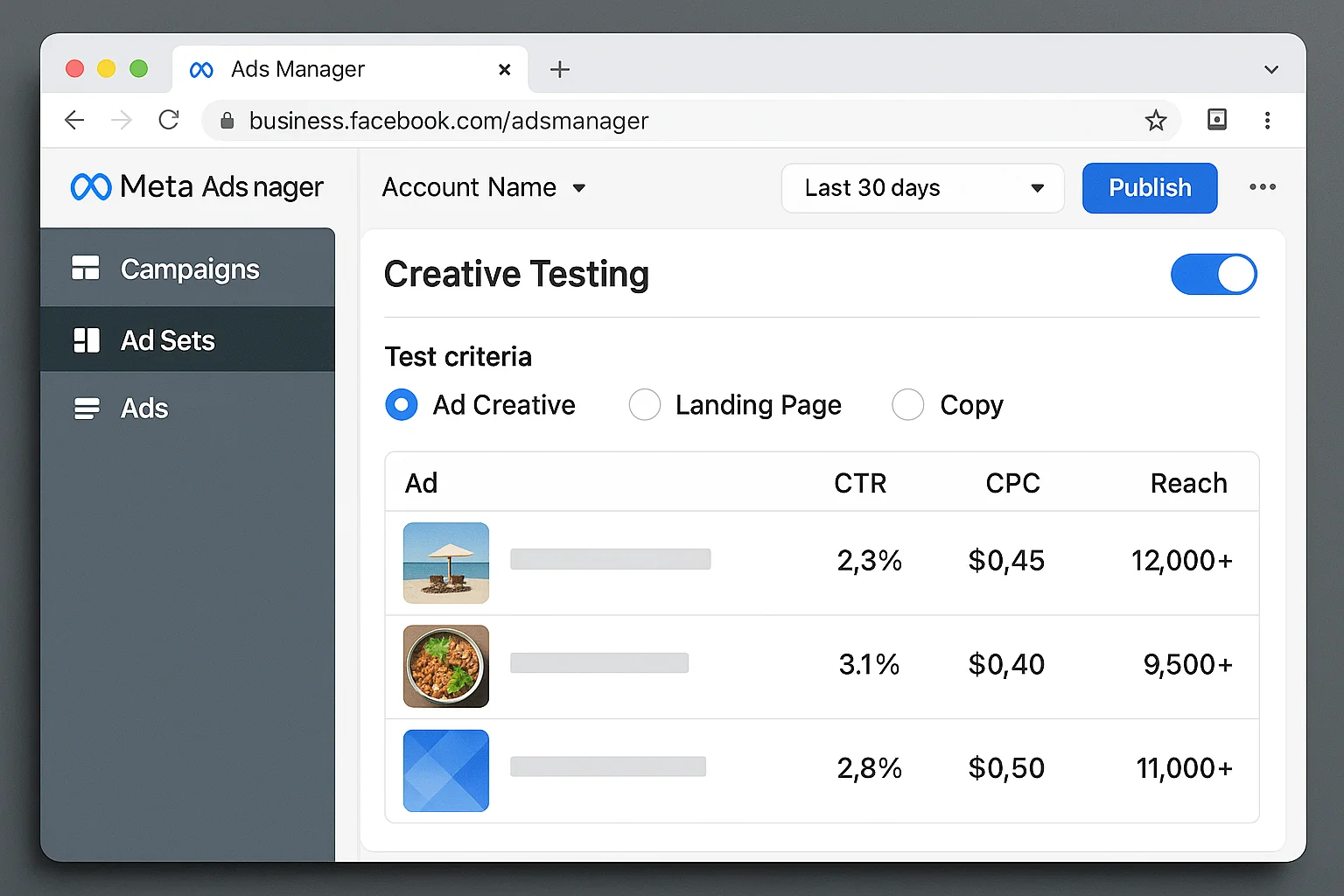
When you use the creative testing tool, you:
- Select the ads you want to test (up to 10 variations)
- Set a dedicated test budget
- Define the test duration
- Choose the metric that determines the winner
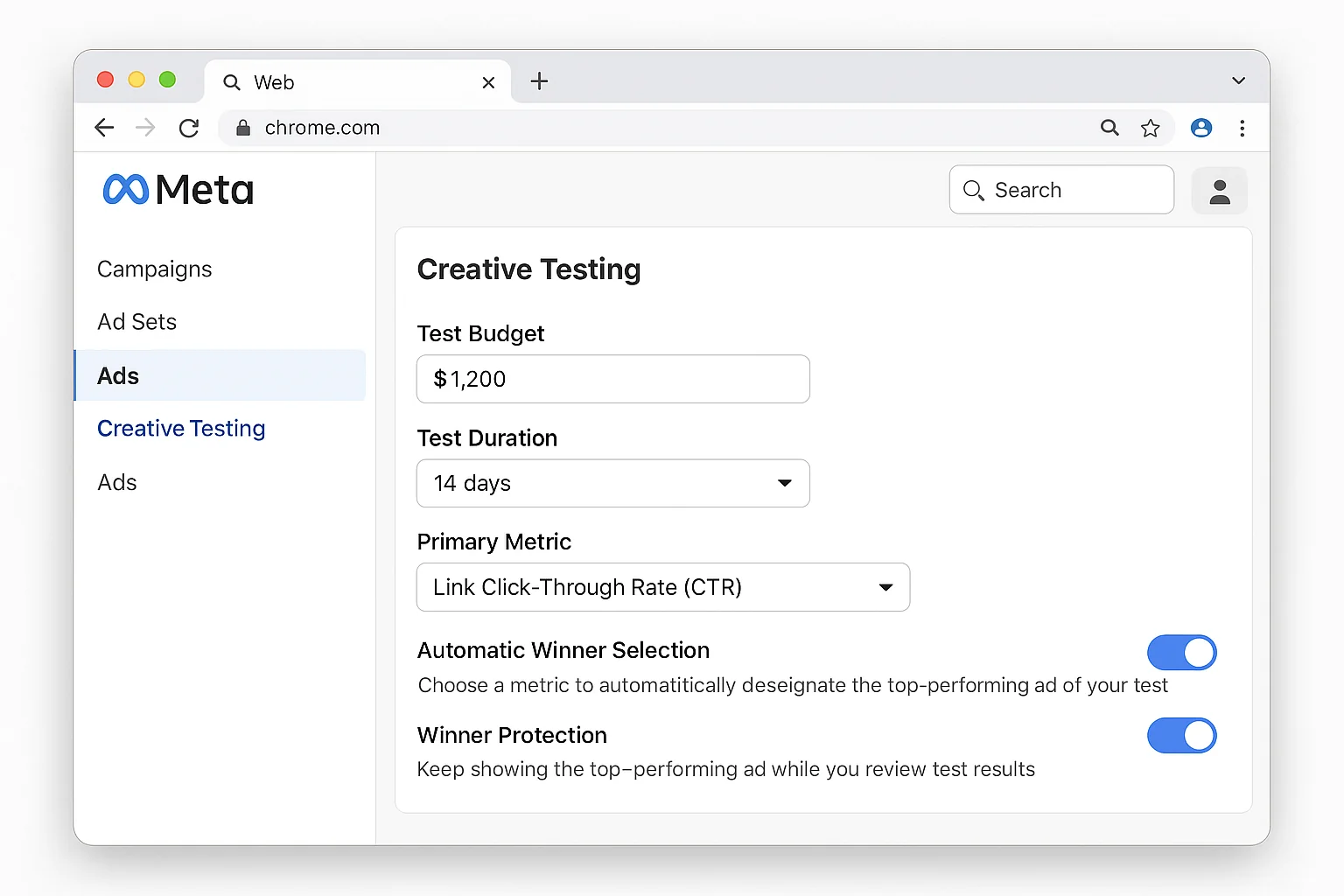
When the test ends, the winning creative stays in your ad set automatically. Losing creatives get turned off. Your existing winners that weren’t part of the test continue running as normal.
This is a big deal.
With older testing methods (separate campaign, separate ad set), you had to manually migrate winning creative back into your scaling campaigns. That meant resetting the learning phase. That meant lost momentum. That meant you often lost the performance gains the test was supposed to deliver.
The old workflow looked like this: run a test in a separate ad set, find a winner, pause the test, duplicate the winning ad into your scaling ad set, wait for the new ad to exit the learning phase, and pray it performed the same way in the new environment.
Spoiler: it often didn’t.
The creative testing tool solves the migration problem. Winners stay where they are. Losers get cut. Your campaign structure stays clean. No duplication. No re-learning. No crossed fingers.
But here’s what most guides skip over: even this improved tool has a cost. And knowing when to use it matters more than knowing how.
The 3 Ways to Test Creative (And What Each One Costs You)
There are 3 common structures for testing creative in Meta Ads. Each one pulls budget from your winners in a different way.
1. Separate Campaign
You create a dedicated “testing” campaign with its own budget. Your scaling campaign runs untouched.
The cost: Your total ad spend increases. You’re paying extra for learning, and the test campaign starts from zero with no delivery system data. According to Meta’s documentation on the learning phase, new campaigns need approximately 50 conversion events to exit the learning phase. That learning period means higher CPAs on the test side.
2. Separate Ad Set (Within the Same Campaign)
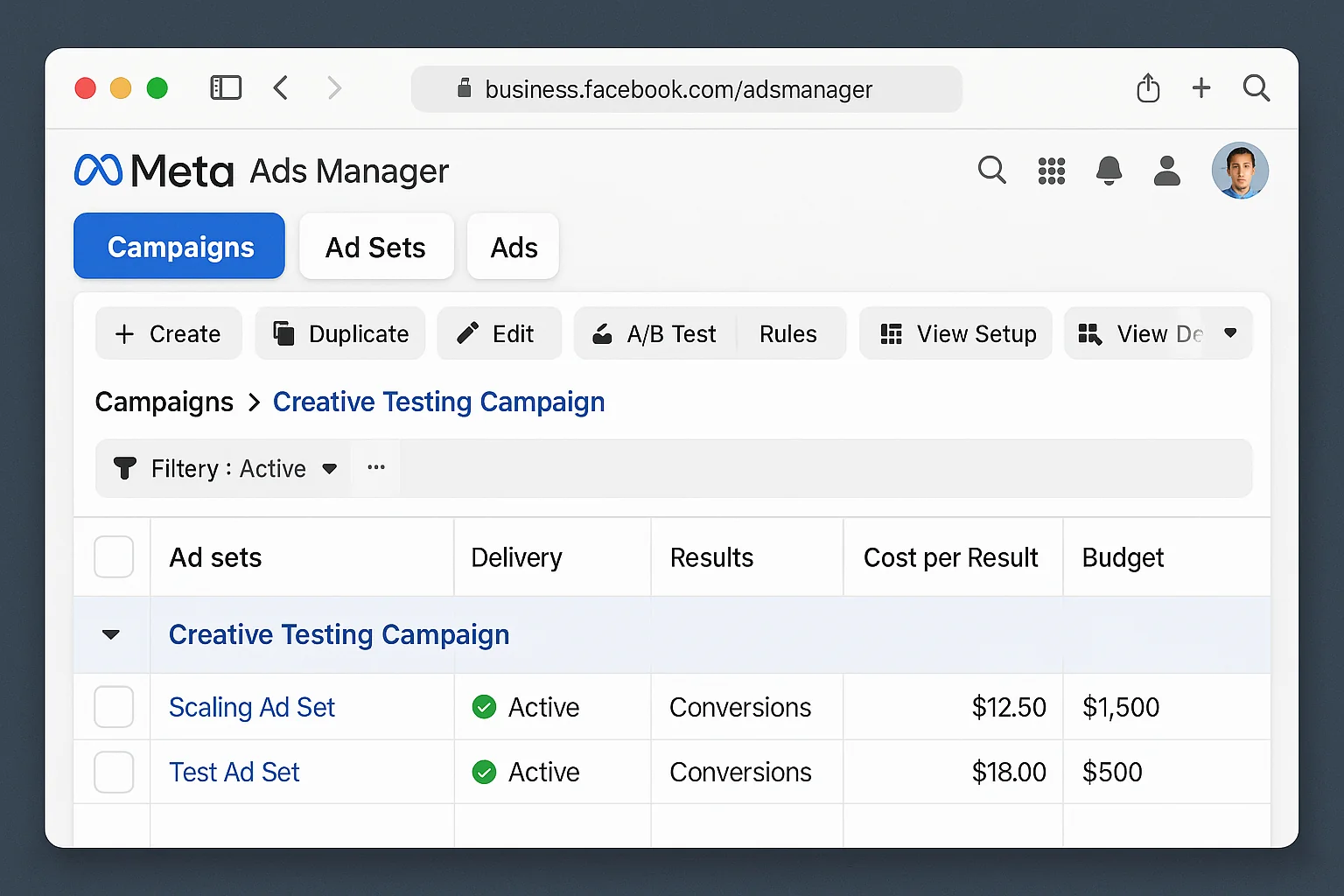
You add a new ad set to your existing campaign. Test creative lives there.
The cost: Campaign-level budget optimization (Advantage Campaign Budget) splits delivery between your proven ad set and your test ad set. Your winners lose a chunk of their budget to fund the test.
3. The In-Ad-Set Creative Testing Tool
You use Meta’s built-in tool to test creative inside your existing ad set.
The cost: The test budget is carved from your ad set spend. But the impact is smaller and more controlled than the other two methods. And your existing ads keep running during the test.
All three approaches pull budget from what’s working. The creative testing tool is the least disruptive option. But “least disruptive” still means disruptive.
The takeaway: No matter which testing method you choose, every test introduces drag on your current performance. The question is whether that drag is worth it.
The “Test or Rest” Framework
This is the core of everything.
Most advertisers treat creative testing as a constant activity. A never-ending cycle. Launch. Test. Iterate. Repeat. FOREVER.
That approach ignores a simple truth: testing is only valuable when your results need improvement.
Here’s the framework top Meta advertisers use to decide when to test and when to back off.
Test When Your Results Need Work
You should run a creative test when:
- Your CPA is climbing and has trended upward for 5+ days
- Your ROAS is declining below your target threshold
- Frequency is spiking (above 3.0 on a prospecting campaign), signaling ad fatigue
- CTR is dropping while impressions stay flat, meaning your audience is seeing the ads but tuning them out
- You’re scaling spend and need more creative to support the increased delivery
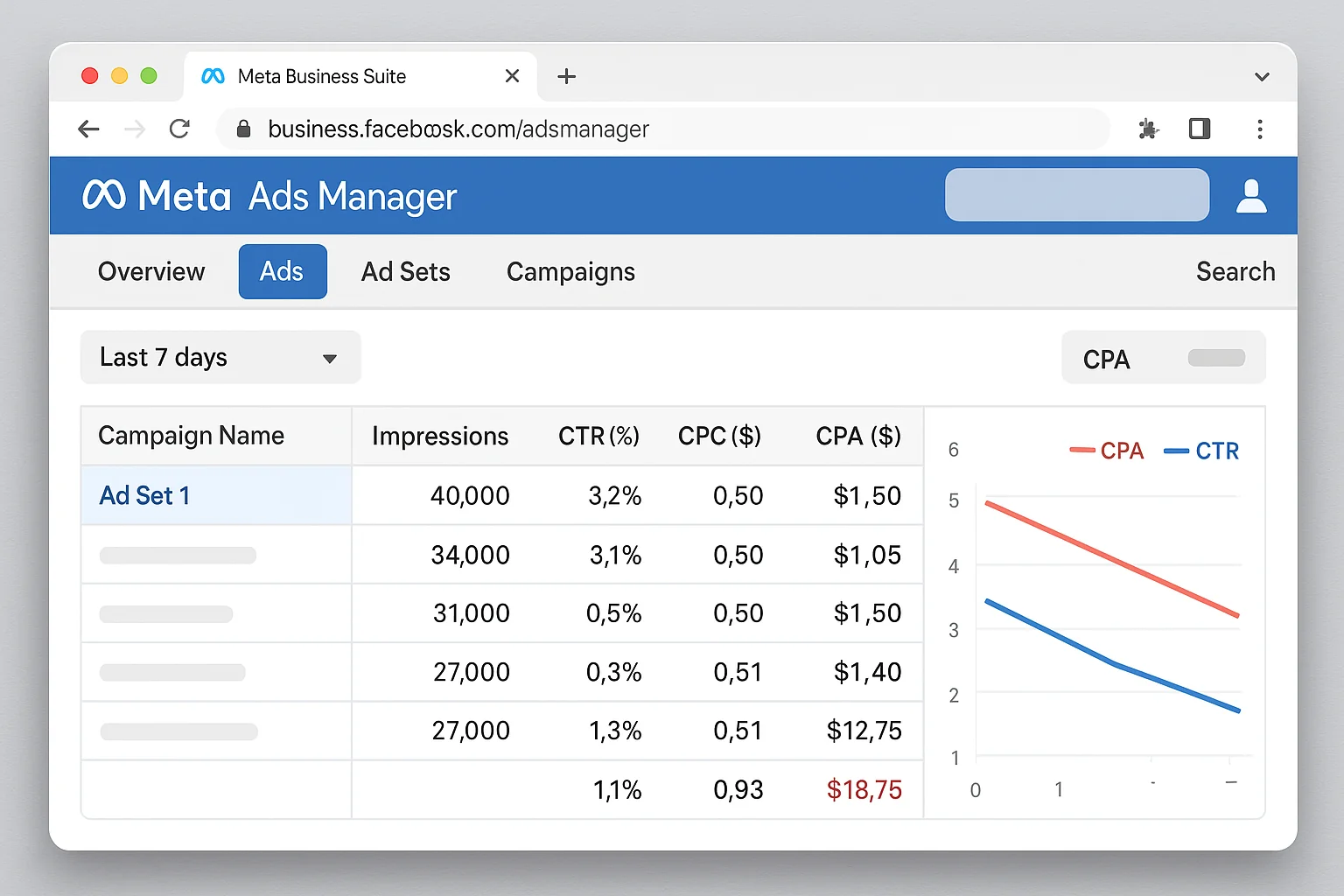
When these signals appear, testing makes sense. You’re underperforming, and new creative is the most direct lever you have to fix it.
Fire up the creative testing tool. Load 3 to 5 meaningfully different ad variations (not just small text tweaks). Set a test window of 7 to 14 days. Let Meta’s algorithm pick the winner.
Rest When Your Results Are Great
You should NOT run a creative test when:
- Your CPA is at or below target and holding steady
- ROAS is strong and consistent over the last 7 to 14 days
- Frequency is low (under 2.5 on prospecting)
- Your winning ads are still delivering volume without drop-off
When everything is working, your job is to protect those results. Full stop.
This is where discipline matters more than activity. Most advertisers feel guilty doing nothing. They open Ads Manager, see green numbers, and think “I should be optimizing something.” That instinct is wrong.
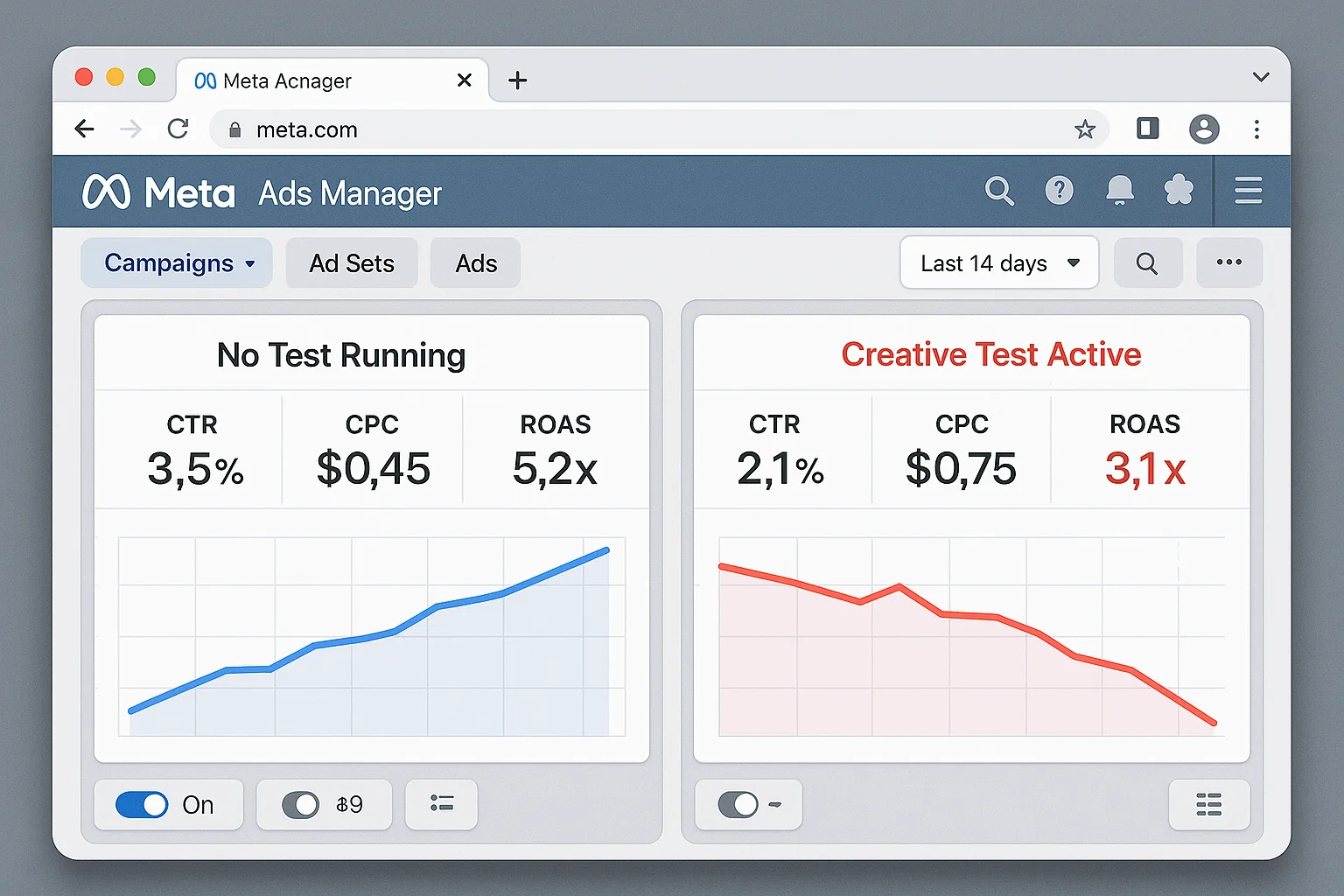
Adding test creative during a hot streak forces Meta to redistribute budget. Your best-performing ads lose delivery so the algorithm can evaluate your unproven creative. Even with the creative testing tool, a portion of your ad set budget gets diverted to the test.
The performance hit is real. You won’t see it on Day 1. But by Day 3 or Day 4 of the test, your aggregate CPA starts creeping up. Your ROAS softens. And you find yourself wondering why your “great” account suddenly looks mediocre.
The test did that. You did that.
Think of it like a basketball team on a 12-game winning streak. You wouldn’t bench your starting lineup to “test” a new rotation. You ride the hot hand.
The takeaway: Test to fix problems. Rest to protect wins. The goal is performance, not activity.
How Creative Tests Quietly Kill Winning Campaigns
The real danger of “always be testing” is invisible on a day-to-day basis. It shows up in aggregate.
Here’s what happens inside Meta’s delivery system when you introduce test creative.
Budget displacement. Meta’s algorithm optimizes delivery based on predicted performance. Your proven ads have a track record. Your test ads don’t. But the system still has to show the test ads to gather data. That means impressions, clicks, and budget shift from your proven performers to your unknowns.
Learning phase friction. Even within the creative testing tool, new ads go through a mini learning phase. During this phase, delivery is less efficient. Your cost per result is typically higher, and the algorithm is still figuring out who responds to the new creative.
Signal noise. With more ads competing in the same ad set, Meta’s optimization signal gets noisier. The algorithm has more variables to evaluate and less data per variable. As WordStream’s guide to Facebook ad optimization explains, creative overload dilutes the data each ad receives. This slows down optimization for your entire ad set, including the ads that were performing well before the test.
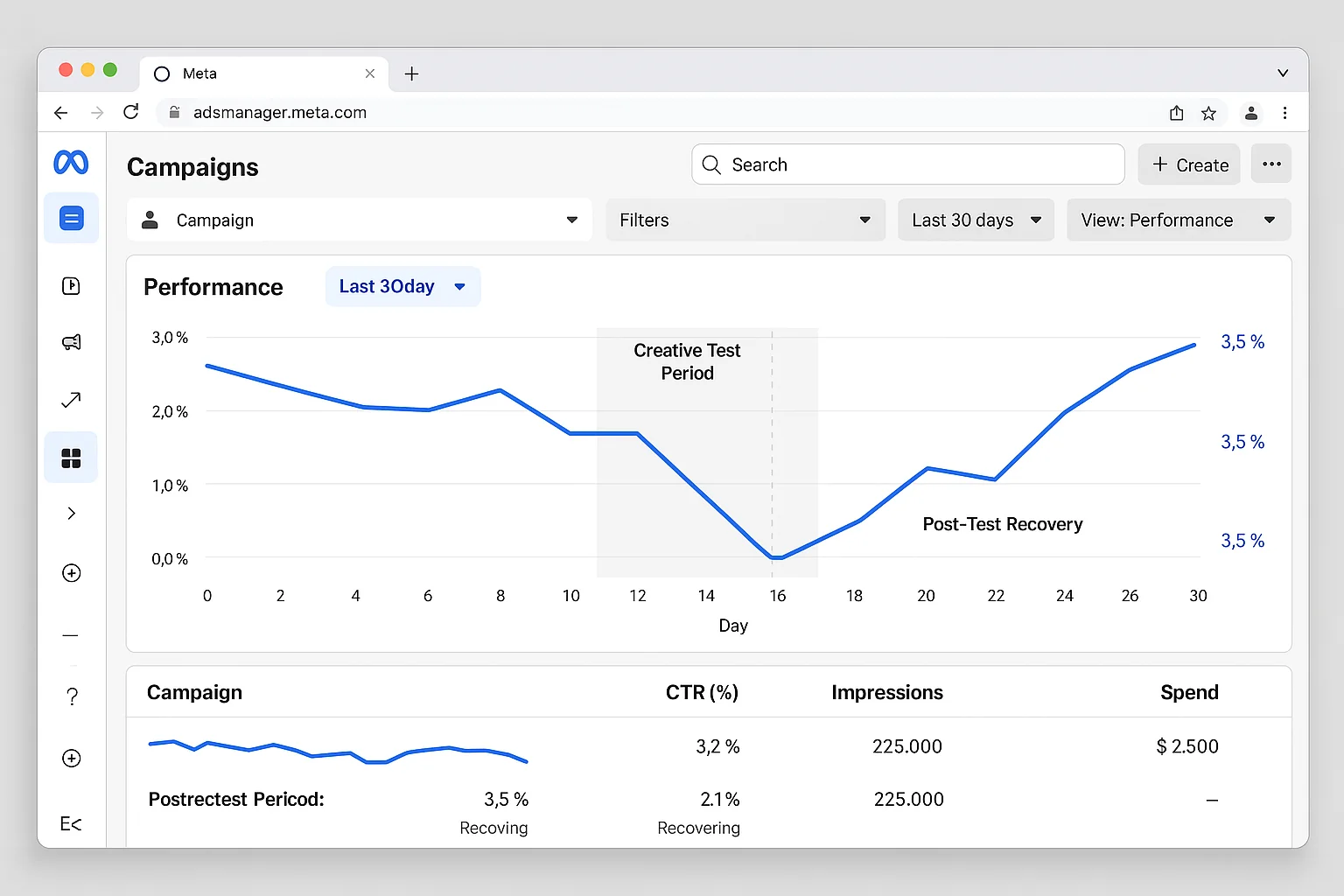
Here’s the worst part. These effects compound. Budget displacement leads to less data for your winners. Less data leads to noisier signals. Noisier signals lead to worse optimization. Before you know it, your entire ad set is underperforming, and the ads that were printing money last week are now struggling to get delivery.
None of this means testing is bad. It means testing has a cost, and that cost is only worth paying when you have a problem to solve.
The takeaway: Creative testing introduces budget displacement, learning phase friction, and signal noise. These costs are acceptable when you’re trying to improve poor results. They’re self-inflicted damage when results are already strong.
How to Protect Your Winners (5 Steps)
Here’s how to apply the “Test or Rest” framework to your Meta Ads account starting today.
Step 1: Define your “good enough” thresholds.
Set specific CPA and ROAS targets for each campaign. Write them down. Put them somewhere you’ll see them every time you open Ads Manager. For example: “If CPA is under $28 and ROAS is above 3.5x, performance is good. Do NOT launch a creative test.”
Having written thresholds removes emotion from the decision. No more “I feel like I should be testing something.” You either hit the threshold or you don’t.
Step 2: Check aggregate performance weekly.
Every Monday, pull your 7-day aggregate metrics. Compare them against your thresholds. If you’re hitting targets, do nothing. Close the tab. Go do something else. If you’re missing targets, move to Step 3.
Step 3: Diagnose before you test.
Before launching a creative test, check three things. High frequency points to creative fatigue. Declining CTR confirms the audience is tuning out. A shrinking audience size (from over-narrowing or exclusions) mimics fatigue symptoms but requires a different fix entirely.
Step 4: Use the creative testing tool for controlled tests.
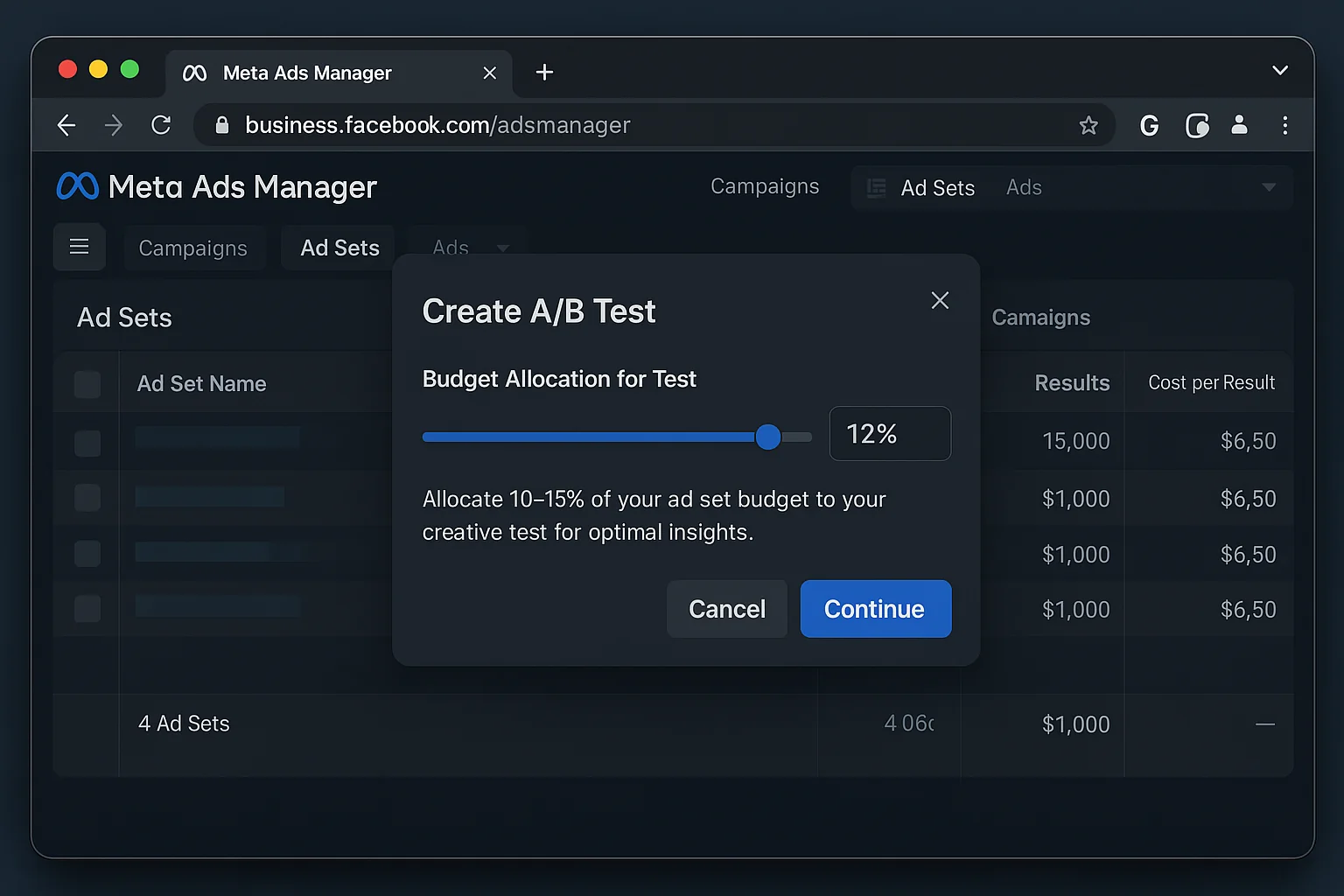
When you do test, use Meta’s in-ad-set creative testing tool. Meta’s best practices for ad creative recommend testing meaningfully different variations. Set a budget that’s 10-20% of your ad set’s daily spend. Run the test for 7 to 14 days. Test 3 to 5 creatives that are meaningfully different from each other, not minor copy tweaks.
Step 5: When results are great, clear the distractions.
Turn off underperforming ads. Pause any scheduled tests. Let your winners run without interference. Check back in 7 days. This is the discipline that separates profitable advertisers from busy ones.
The takeaway: Define your thresholds, check weekly, diagnose before testing, use the right tool, and have the discipline to do nothing when things are working.
The Metrics That Tell You When to Start Testing Again
Your winning ads won’t run forever. Creative fatigue is real. Every ad has a shelf life.
Here are the EXACT signals that tell you it’s time to shift from “rest” mode back to “test” mode.
Frequency climbing above 3.0 on prospecting campaigns. This means your audience has seen your ads too many times. Fresh creative is the fix. According to Hootsuite’s advertising research, frequency above 3.0 on cold audiences correlates directly with declining performance.
CTR declining 20%+ from its peak. If your best-performing ad had a 2.1% CTR and it’s now sitting at 1.6%, the creative is wearing out.
CPA creeping above target for 5+ consecutive days. A single bad day is noise. Five days is a trend.
Spend delivery declining at the same bid. Meta is telling you it’s running out of efficient impressions with your current creative. It needs something new.
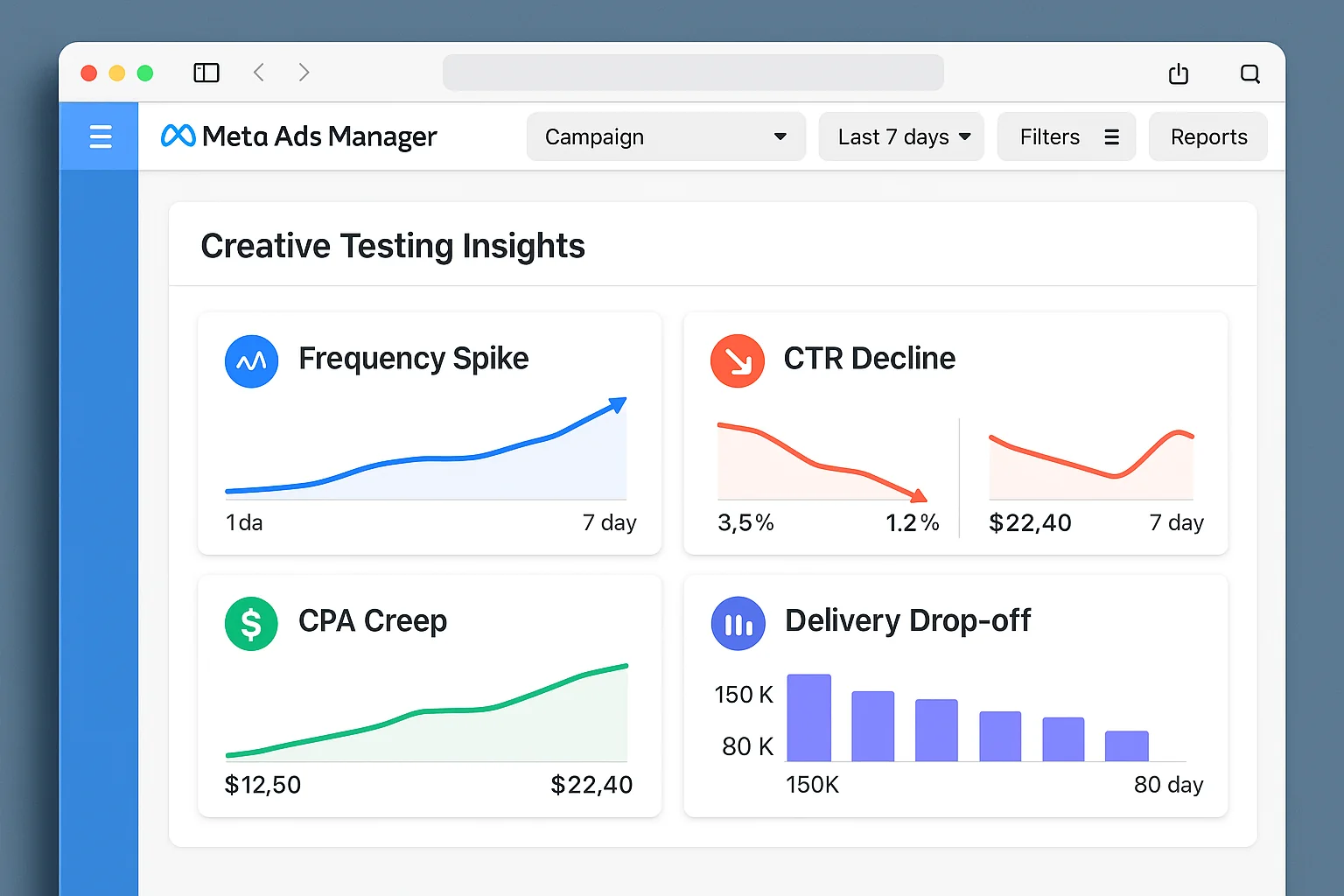
When you see 2 or more of these signals at the same time, it’s testing time. Use the creative testing tool, load up fresh variations, and let the system find your next winner.
One important note: don’t wait for ALL four signals to appear before you act. Two concurrent signals is your trigger. Waiting for a full-blown performance collapse means you’ve already lost money you didn’t need to lose.
The key is catching fatigue early, not after it’s already destroyed your week.
But until those signals appear, keep your hands off.
The best move in paid advertising is sometimes no move at all.
Do the Smart Thing
Most advertisers test too much and optimize too little.
Now you know the difference.
Define your thresholds. Watch the signals. Test to fix. Rest to protect. That’s the entire game.
Your winning ads are out there working hard for you right now. Let them do their job.
Go check your metrics right now. If everything looks green, the smartest move is doing absolutely nothing.
Now THAT is good advertising.